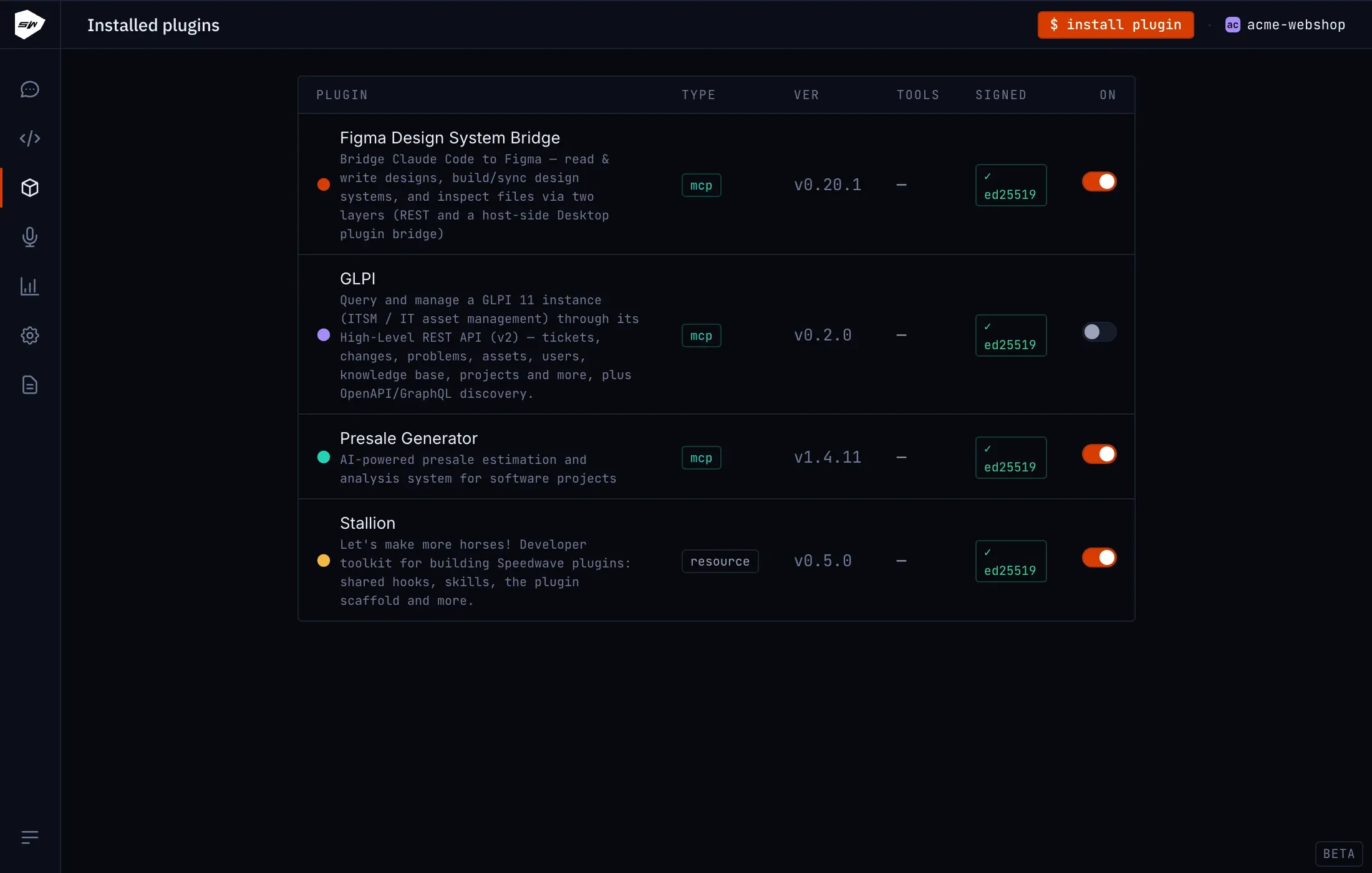
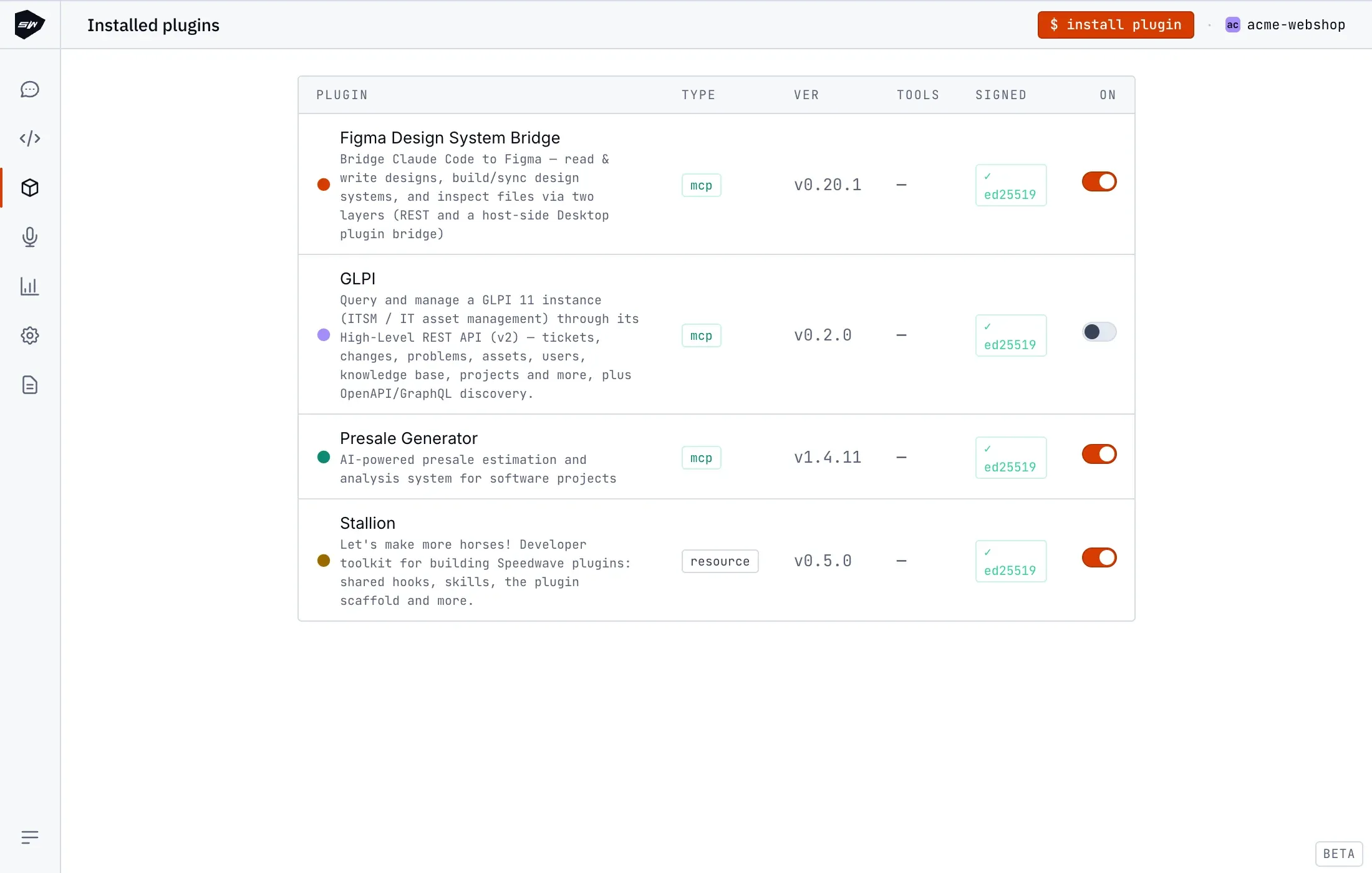
Presale Generator
Presale Generator takes a request for proposal and drives it through to a costed, planned presale, without you touching a spreadsheet by hand. Like every Speedwave plugin, it is written, developed, and shipped exclusively by Speednet.
What it does
Section titled “What it does”You point Presale Generator at the input documents (an RFP, a brief, supporting material), and it extracts the requirements, separating functional from non-functional and finding actors and use cases. From there it builds a work-breakdown hierarchy of epics, features, and tasks, estimates each in hours, and produces a timeline and a team plan. It keeps every presale as versioned state, so you can iterate on it and compare versions as requirements change. It needs no credentials: there is no external system to authenticate against, since the worker only stores and computes state while the model does the analysis.
What it consists of
Section titled “What it consists of”The plugin has three parts:
- A worker exposing 53 pure-function tools that store and retrieve structured state: workflow phases and steps, iterations, deadlines, team matching, document extraction, artifacts, and the work-breakdown hierarchy.
- A document-extraction layer written in Python, with several engines (markitdown, pdftotext, pandoc, openpyxl, python-docx, and docling) so the worker can read PDFs, Word, Excel, and other formats. See Office documents for how Speedwave handles these formats.
- A resource bundle of 22 commands (18 top-level plus a 4-command
iterationsubcommand group) and 24 skills that drive the workflow, with estimation and breakdown running on the strongest available model.
How it works
Section titled “How it works”You work one opportunity at a time. Create it with /presale:add, drop the source documents into its input folder, then select it with /presale:select so every later command acts on it.
From there, the workflow moves through fixed phases: extract, analyze, break down, estimate, timeline, team. Running /presale:continue tells you the current phase and the exact next command. The phase is computed, not assigned: it only advances once every step in it finishes, and prerequisites are enforced in order, so the breakdown command stops if analysis isn’t done yet. Everything is stored locally under the opportunity’s folder, versioned per iteration, and the workflow checkpoints after each phase so you can stop and resume later.
Versioning has its own subcommand group, /presale:iteration: create snapshots the current state with a trigger and reason, list shows every iteration recorded, switch makes a past one active again, and compare computes the delta between two.
Skills and commands
Section titled “Skills and commands”The orchestrator skills run the workflow phases and spawn sub-skills in parallel.
| Skill | What it does |
|---|---|
presale-rfp-analyzer | Orchestrates RFP analysis, splitting the document into chunks handled by parallel agents |
presale-breakdown | Orchestrates the work-breakdown into epics, features, and tasks |
presale-estimator | Orchestrates effort estimation, batching tasks across agents |
presale-add | Creates a new opportunity and its folder structure |
presale-select | Activates an existing opportunity as the current one |
presale-auto-assume | Turns each open gap into a documented assumption with confidence and risk |
presale-cross-reference-builder | Maps how artifacts relate to each other across the presale |
presale-risk-aggregator | Collects, deduplicates, and prioritizes risks found across all phases |
presale-team-composition | Proposes a team from the tech stack and the estimates |
presale-timeline | Builds the delivery schedule from the estimated breakdown, dependencies, capacity, and holidays |
presale-use-cases | Derives actors and use cases, with main, alternative, and exception flows |
Thirteen more sub-skills do the per-chunk work behind the scenes. The orchestrators above spawn these, you never call them directly.
| Skill | What it does |
|---|---|
presale-extract-actors | Extracts actors from a single RFP document chunk |
presale-extract-business-goals | Extracts business goals from a single RFP document chunk |
presale-extract-categories | Extracts requirement categories from a single RFP document chunk |
presale-extract-fr | Extracts functional requirements from a single RFP document chunk, with cross-reference context |
presale-extract-nfr | Extracts non-functional requirements from a single RFP document chunk, with cross-reference context |
presale-extract-gaps | Extracts gaps and open questions from a single RFP document chunk, with full cross-reference context |
presale-extract-compare | Compares extraction-engine outputs for a document and picks the best one |
presale-breakdown-epic-plan | Assigns functional requirements to epics deterministically, replacing the parallel epic round to avoid duplicate epics |
presale-breakdown-epic | Groups functional requirements into epics |
presale-breakdown-feature | Decomposes epics into features |
presale-breakdown-task | Decomposes features into tasks |
presale-breakdown-decisions | Identifies technical and architectural decisions from the work-breakdown scope |
presale-estimate-task | Estimates a batch of tasks using a single-point, best-case method with work streams |
Commands run under /presale::
| Command | What it does |
|---|---|
add, select, unselect | Create an opportunity, make it active, or clear the active one |
list, status, health | Show opportunities, overall progress, or a health score |
extract | Converts source documents to markdown using whichever engine fits the format |
analyze, analysis | Run requirements analysis, or display its results |
create-wbs, breakdown | Build the work-breakdown hierarchy, or display it |
estimate | Estimate effort in hours across the breakdown |
actors, use-cases | Display extracted actors and use cases |
team, timeline | Display the team composition or the delivery schedule |
continue | Tells you the current phase and the exact next command |
presale | Entry point that lists the available subcommands |
Iteration commands run under /presale:iteration:
| Command | What it does |
|---|---|
create | Snapshots the current state as a new iteration, with a trigger and reason |
list | Lists all iterations recorded for the selected opportunity |
switch | Makes a past iteration the active one |
compare | Computes the delta between two iterations |
None of these delete an opportunity’s data; unselect only clears which one is active.
The worker’s 53 tools are pure functions: they store and retrieve structured state, they don’t call out to any external system. Skills call them directly; you never invoke them yourself. Grouped by purpose:
| Group | Tools | What it does |
|---|---|---|
| State and workflow | createPresaleState, validatePresaleState, updatePresaleState, setPhase, getValidTransitions, startStep, completeStep, failStep, getReadySteps, getWorkflowStatus, getStepRequirements, getRequiredStructure, getActivePresale, listPresales | Create and validate an opportunity’s state, track which phase and step it’s in, and enforce that steps run in the right order |
| Document extraction | listInputDocuments, getExtractionStatus, extractDocument, getExtractionJob, validateExtractionQuality, finalizeComparison, initChunkExtraction, getNextChunkBatch, saveChunkResult, getChunkExtractionStatus, mergeChunkResults, cancelChunkExtraction, retryFailedChunk, getChunkContent, initDerivedExtraction, getNextDerivedBatch | Convert source documents to markdown, split them into chunks for parallel agents, and merge the per-chunk results back together |
| Breakdown and artifacts | getBreakdownItems, buildBreakdownHierarchy, saveArtifact, getArtifact, getInputSchema, getTraceability, listArtifactTypes, getArtifactsSummary, scanArtifacts | Build the epic, feature, and task hierarchy, and save or fetch any extracted artifact (requirements, actors, goals, gaps) with its links back to the source |
| Iterations | createIteration, deleteIteration, getIteration, detectChanges, computeDelta, logChange, analyzeChangeImpact | Snapshot and compare versions of the presale, and track what changed between them |
| Deadlines and team | setDeadline, updateDeadline, clearDeadline, checkDeadline, getTeamSkills, getTeamAvailability, calculateTeamMatch | Track delivery deadlines and match the estimated work against team skills and availability |
Set it up
Section titled “Set it up”Presale Generator needs no credentials, so setup is just installing and enabling the plugin per project. See Using plugins for how to install a plugin and turn it on.
Once it’s enabled, start with /presale:add <name> to create an opportunity, add your source documents to its input folder, then /presale:select <name> to make it the active one. Check progress at any point with /presale:status, or /presale:health for just the health score.
Security boundaries
Section titled “Security boundaries”The worker is a stateless Node.js MCP logic server. It has no credentials and no host-exposed ports: it is reached only by the MCP Hub on the project network, under the same hardening as every other worker, with all capabilities dropped, no new privileges, and a read-only filesystem. The Python extraction layer it ships only reads the documents you place in the opportunity’s input folder.