

Office documents integration
The Office documents integration provides headless document generation, inspection, conversion, and chart rendering for Word (.docx), Excel (.xlsx), PowerPoint (.pptx), and PDF files directly within your workspace without requiring cloud subscriptions.
Architecture and processing toolchain
Section titled “Architecture and processing toolchain”The mcp-office worker container encapsulates standard open-source document utilities:
- Document parsing: markitdown and SheetJS.
- Markdown & HTML conversion: pandoc and WeasyPrint.
- Office formatting & ODF conversion: Headless LibreOffice.
- Python document engines: python-docx, openpyxl, python-pptx, and pypdf.
- Chart rendering: matplotlib.
The container mounts the project workspace read-write at /workspace. No credential directories are attached.
flowchart LR
  Claude -->|"Tool call"| Hub["Tool Gateway"]
  Hub -->|"HTTP"| Worker["mcp-office Worker<br/>Zero credentials, zero network egress"]
  Worker -->|"Reads / Writes"| WS["Workspace Directory<br/>/workspace:rw"]
  Worker -->|"Outputs to"| Out[".speedwave/office/"]
Tool reference
Section titled “Tool reference”Document modifications and conversions author distinct target files rather than overwriting sources in place unless overwrite: true is explicitly provided:
| Tool name | Description |
|---|---|
readDocument | Extracts text and structure from Word, Excel, PowerPoint, PDF, or HTML to Markdown. |
readPdfText | Extracts raw digital text streams from PDF files. |
pdfMetadata | Reads page counts, author, title, and encryption flags. |
markdownToPdf | Compiles Markdown to PDF using pandoc and WeasyPrint. |
htmlToPdf | Renders local HTML files to PDF via WeasyPrint. |
markdownToDocx | Compiles Markdown documents to Word format. |
markdownToPptx | Converts Markdown headings into PowerPoint presentation slides. |
renderChart | Generates standalone PNG or SVG charts (bar, line, pie, scatter, area). |
createDocx | Compiles Word files from structured specifications. |
editDocx | Modifies paragraphs, tables, or text blocks in an existing Word document. |
createXlsx | Compiles Excel spreadsheets with embedded native charts and formulas. |
editXlsx | Updates worksheet cells, appends sheets, or modifies formulas. |
createPptx | Compiles slide decks with bullet hierarchies, images, and native charts. |
editPptx | Updates slide content, titles, or slide ordering. |
officeToPdf | Exports Office documents to PDF using headless LibreOffice. |
convertOffice | Executes format transformations across supported Office/ODF matrices. |
mergePdf | Concatenates multiple PDF documents. |
splitPdf | Extracts page ranges into distinct PDF files. |
rotatePdf | Rotates designated PDF pages by 90, 180, or 270 degrees. |
watermarkPdf | Overlays a single-page PDF watermark across document pages. |
fillPdfForm | Fills AcroForm input fields from key-value dictionaries. |
Directoryyour-project/
Directory.speedwave/
Directoryoffice/
- report.pdf
- summary.xlsx
- slides.pptx
Configuration
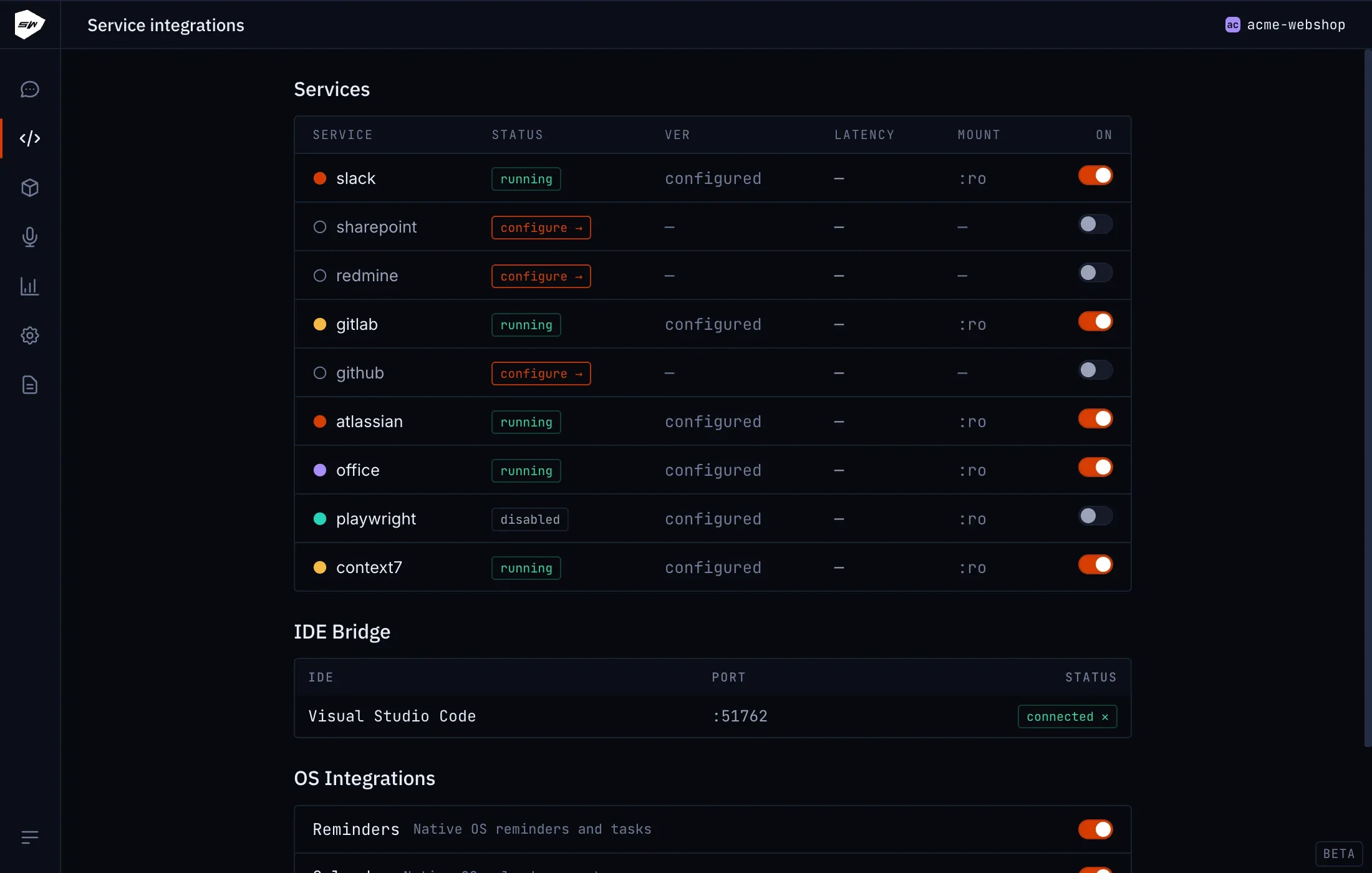
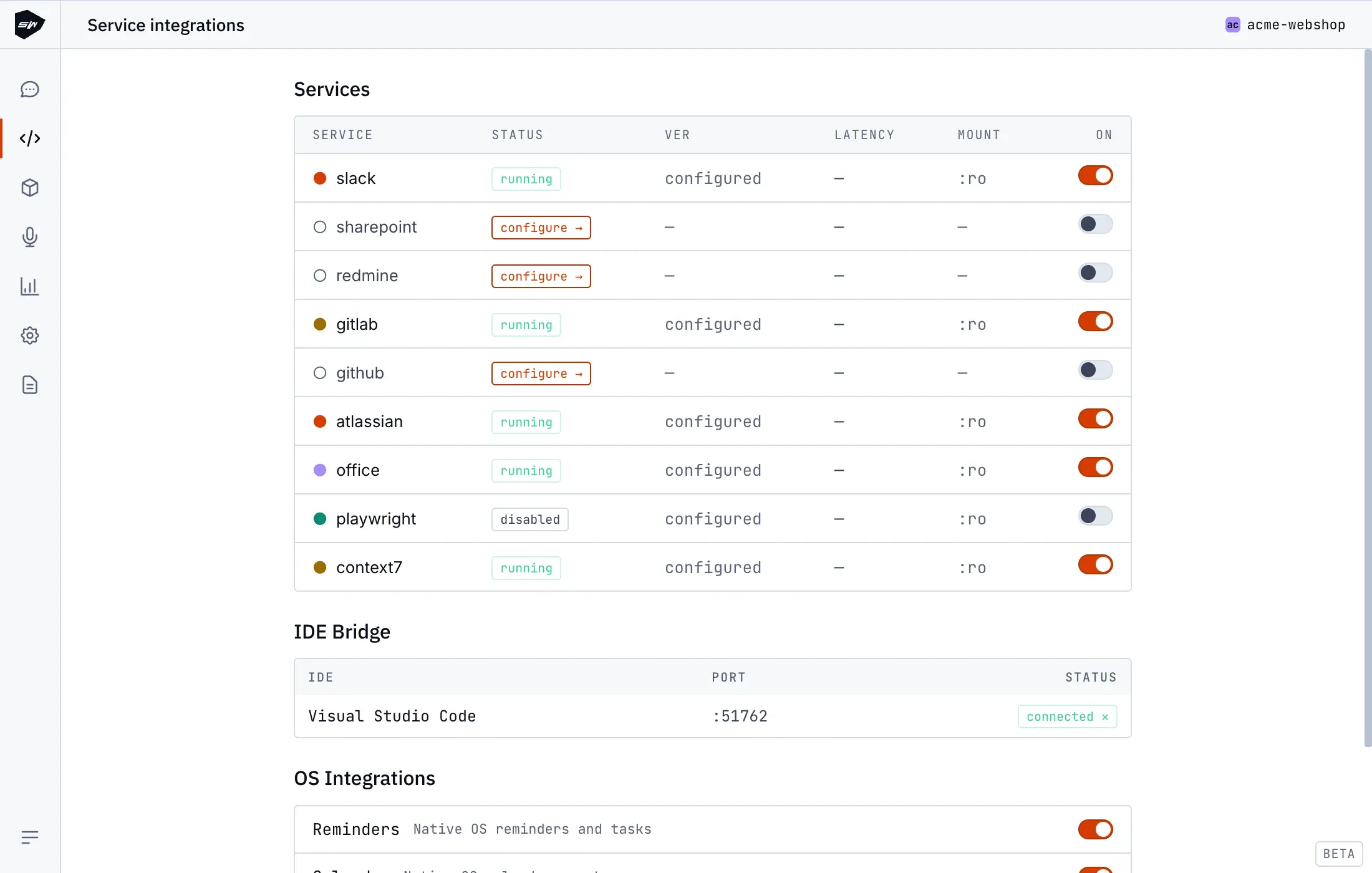
Section titled “Configuration”Enable Beta features in the Desktop tray menu, then toggle Office documents in your project’s integrations view. Initial container compilation builds LibreOffice and Python layers locally.
Security boundaries and offline isolation
Section titled “Security boundaries and offline isolation”The office worker executes within a network-isolated container with zero outbound egress routes. Document conversion and chart rendering execute completely offline. Macro evaluation and active scripting engines are permanently disabled. When HTML or Markdown refers to a resource outside the workspace (a remote image or stylesheet, for example), PDF rendering fails and names the rejected resource instead of producing a PDF with parts missing. Consult Isolation model for additional security parameters.