

GitLab integration
The GitLab integration enables Speedwave to interface with GitLab.com or self-hosted GitLab instances: inspecting source trees, generating line-level git blame, managing merge requests, monitoring CI/CD pipelines, and creating issues.
Authentication and credential isolation
Section titled “Authentication and credential isolation”GitLab executes within an isolated worker container. Credentials reside under ~/.speedwave/tokens/<project>/gitlab/ (holding the instance URL and personal access token) and are mounted read-only into the worker container.
The instance endpoint is resolved in order: stored configuration file, GITLAB_URL environment variable, or https://gitlab.com as the default.
Tool requests pass from Claude Code through the stateless Tool Gateway to the GitLab worker container.
Tool capabilities
Section titled “Tool capabilities”The GitLab worker exposes 50 tools:
Code inspection and repository management
Section titled “Code inspection and repository management”| Tool name | Description |
|---|---|
listProjectIds, getProjectFull | List accessible projects and retrieve comprehensive project metadata. |
getCurrentUser | Identify the token owner, used to resolve “me” in filters and assignments. |
searchCode | Search codebase content across accessible projects or within a single repository. |
getTree, getFile | Traverse directory trees and retrieve file contents. |
getBlame | Extract line-level git blame records with author commit history. |
listBranches, getBranch, compareBranches | List branches, inspect metadata, or compare commit differences between branches. |
createBranch | Create a new Git branch from a target reference. |
deleteBranch | Delete an unprotected Git branch. |
listCommits, listBranchCommits, getCommitDiff | Enumerate commits with filters, inspect branch history, or retrieve unified commit diffs. |
searchCommits | Search commit messages across repository history. |
Merge requests and reviews
Section titled “Merge requests and reviews”| Tool name | Description |
|---|---|
listMrIds, getMrFull, getMrChanges | Query merge requests, inspect complete MR metadata, or retrieve unified changeset diffs. |
createMergeRequest, updateMergeRequest | Author new merge requests or modify target branches and titles. |
approveMergeRequest | Submit merge request approvals. |
mergeMergeRequest | Execute merge operations with squashing and branch deletion options. |
listMrCommits, listMrPipelines | Enumerate commits and CI/CD pipelines associated with a merge request. |
listMrNotes, createMrNote | List or post general comments on a merge request. |
listMrDiscussions, createMrDiscussion | Retrieve or initiate threaded discussions on specific diff changes. |
CI/CD pipelines and issue management
Section titled “CI/CD pipelines and issue management”| Tool name | Description |
|---|---|
listPipelineIds, getPipelineFull | Query pipeline execution runs and inspect job statuses. |
getJobLog | Retrieve inline console logs for a specific CI job. |
retryPipeline | Trigger re-execution of a failed pipeline. |
triggerPipeline | Dispatch manual pipeline runs on designated Git references. |
listArtifacts, downloadArtifact | Inspect or retrieve job build artifacts. |
deleteArtifacts | Purge job artifact archives. |
listIssues, getIssue | Enumerate or inspect repository issues. |
createIssue, updateIssue, closeIssue | Author, update (including assignees), or close repository issues. |
listIssueNotes, createIssueNote | Read or post comments on an issue. |
listLabels, createLabel | Manage repository labels. |
listTags, createTag, deleteTag | List, create, or delete Git tags. |
createRelease | Generate formal GitLab releases from existing Git tags. |
Configuration
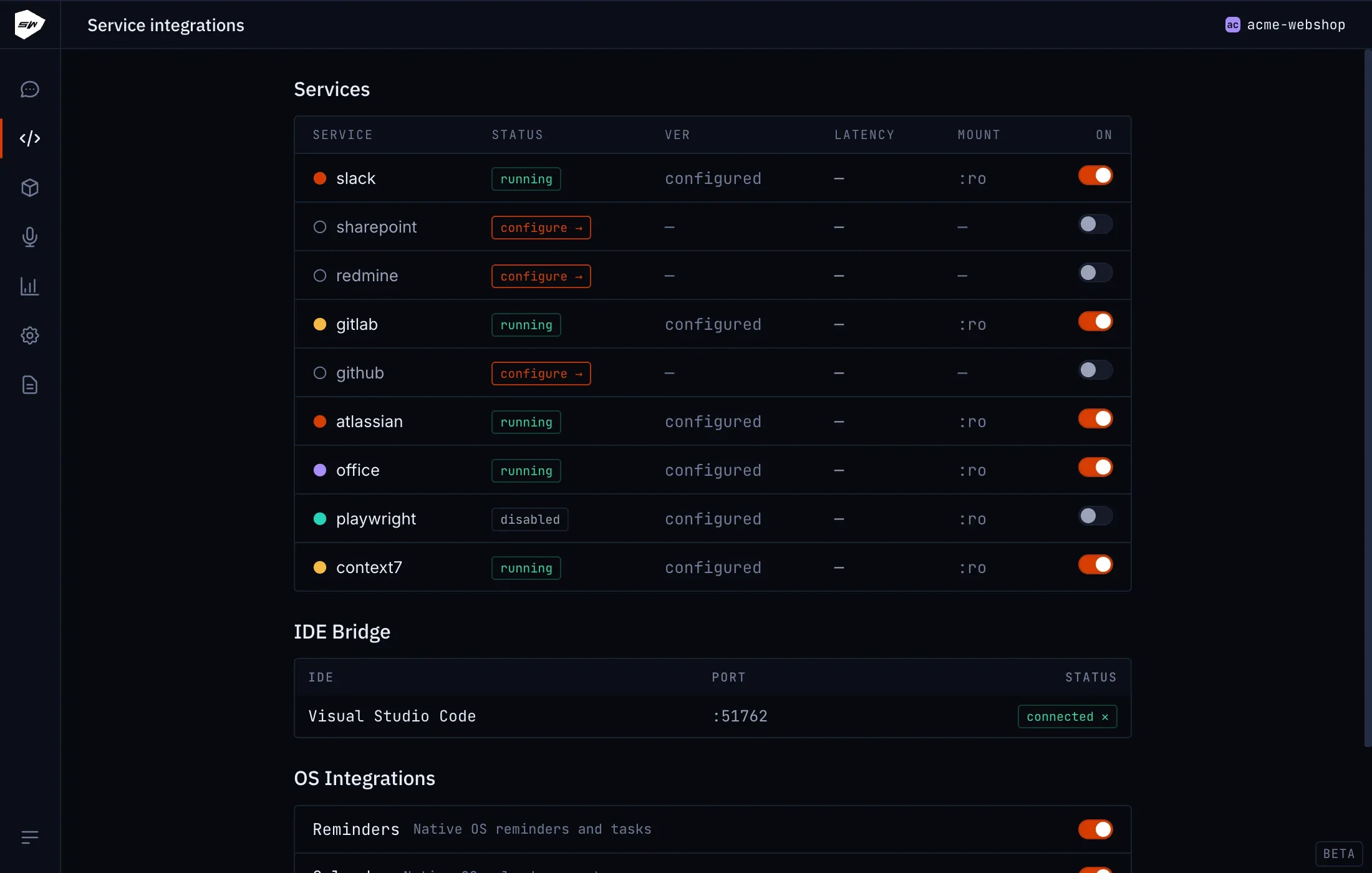
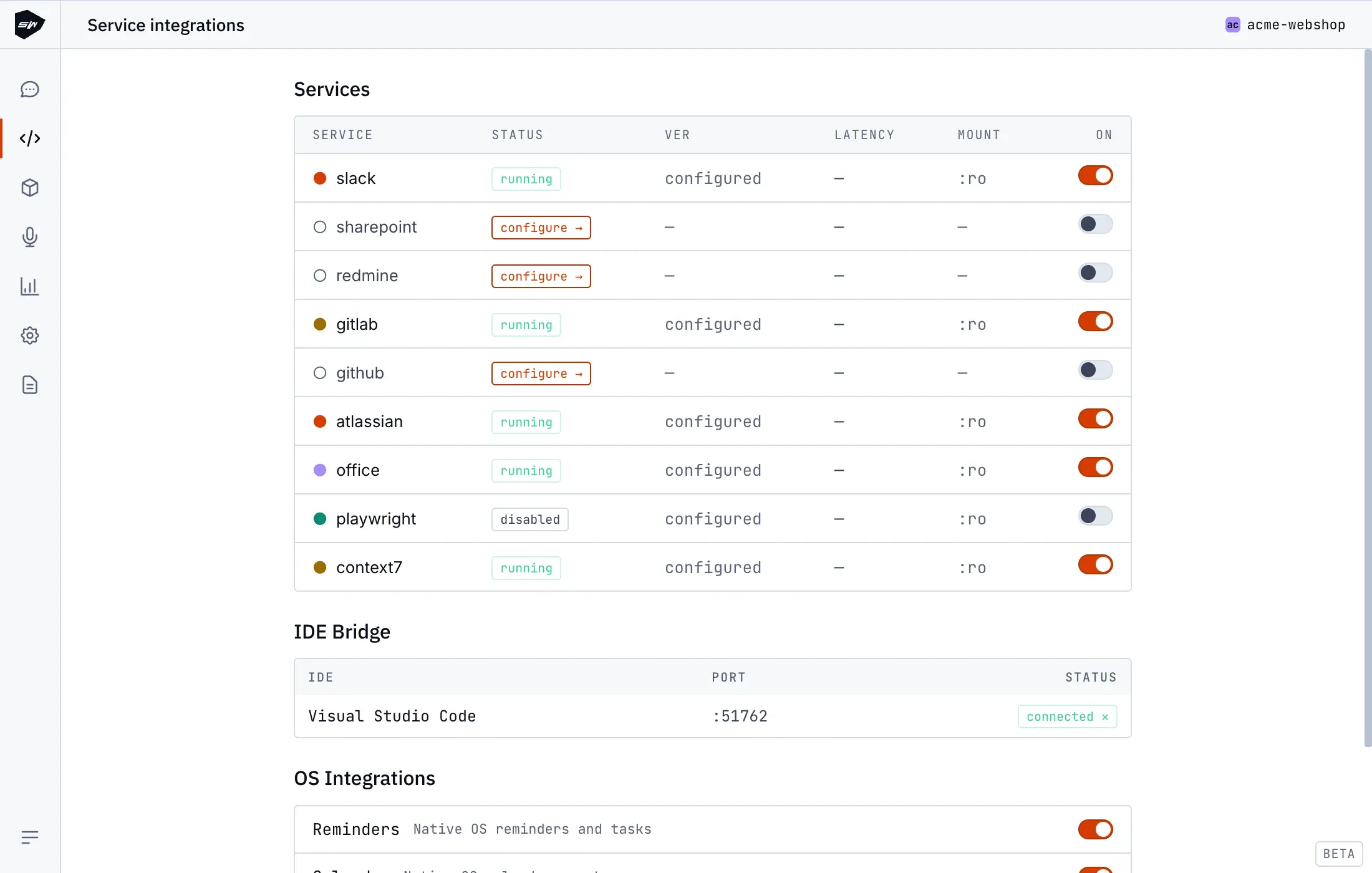
Section titled “Configuration”- Open your project in the Desktop application and navigate to Integrations → GitLab.
- Set the GitLab URL (
https://gitlab.comor your self-hosted URLhttps://gitlab.example.com). - Generate a Personal Access Token (
glpat-prefix) withapi,read_repository, andwrite_repositoryscopes in your GitLab user profile. - Paste the token into the integration form and save.
Security boundaries
Section titled “Security boundaries”The GitLab worker holds only its scoped personal access token, mounted in read-only mode. The Tool Gateway maintains zero credentials. Actions remain constrained by the permissions granted to the personal access token on the GitLab instance, respecting protected branch and protected tag configurations. Consult Credentials management for details.