

Desktop app
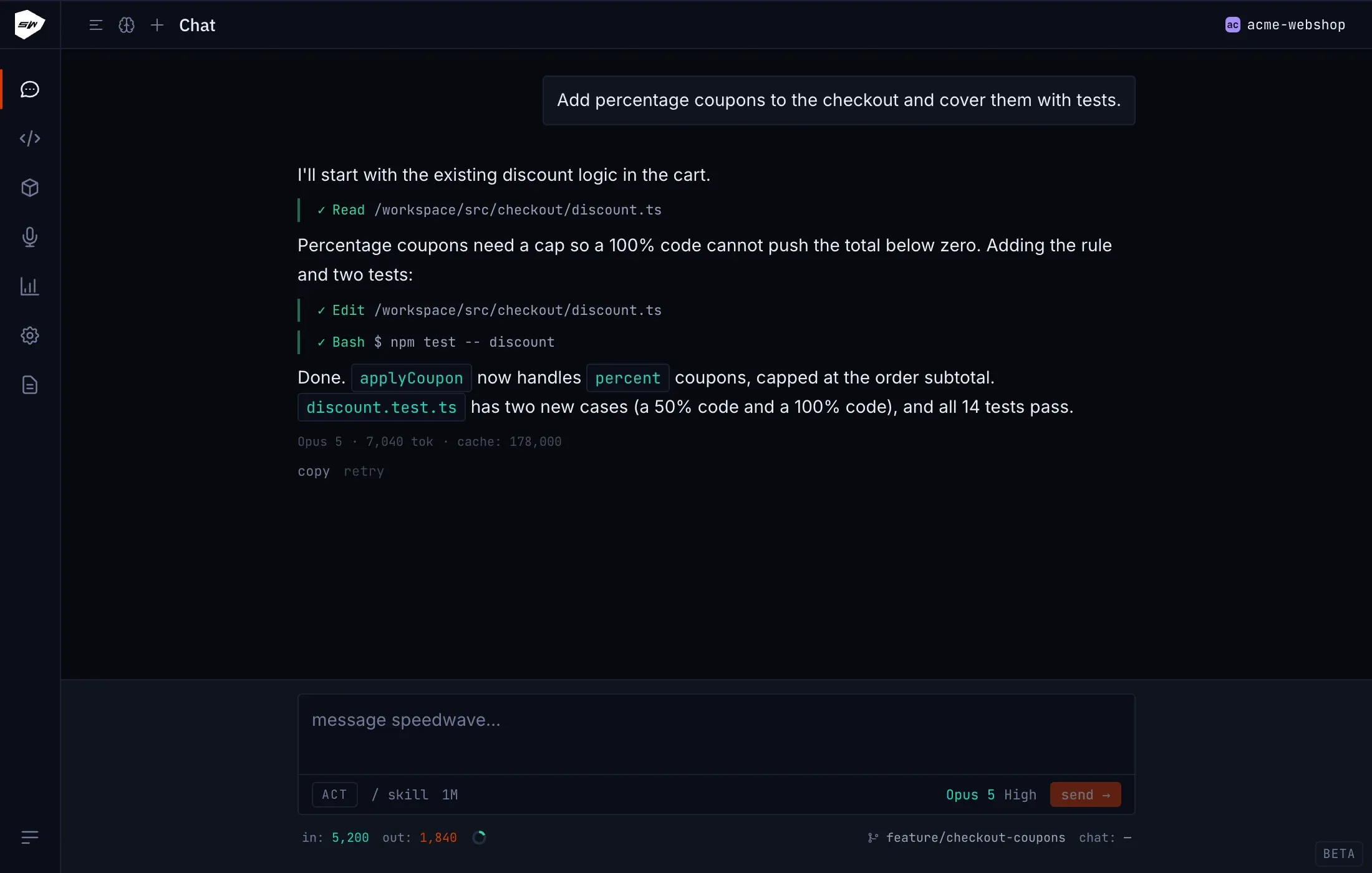
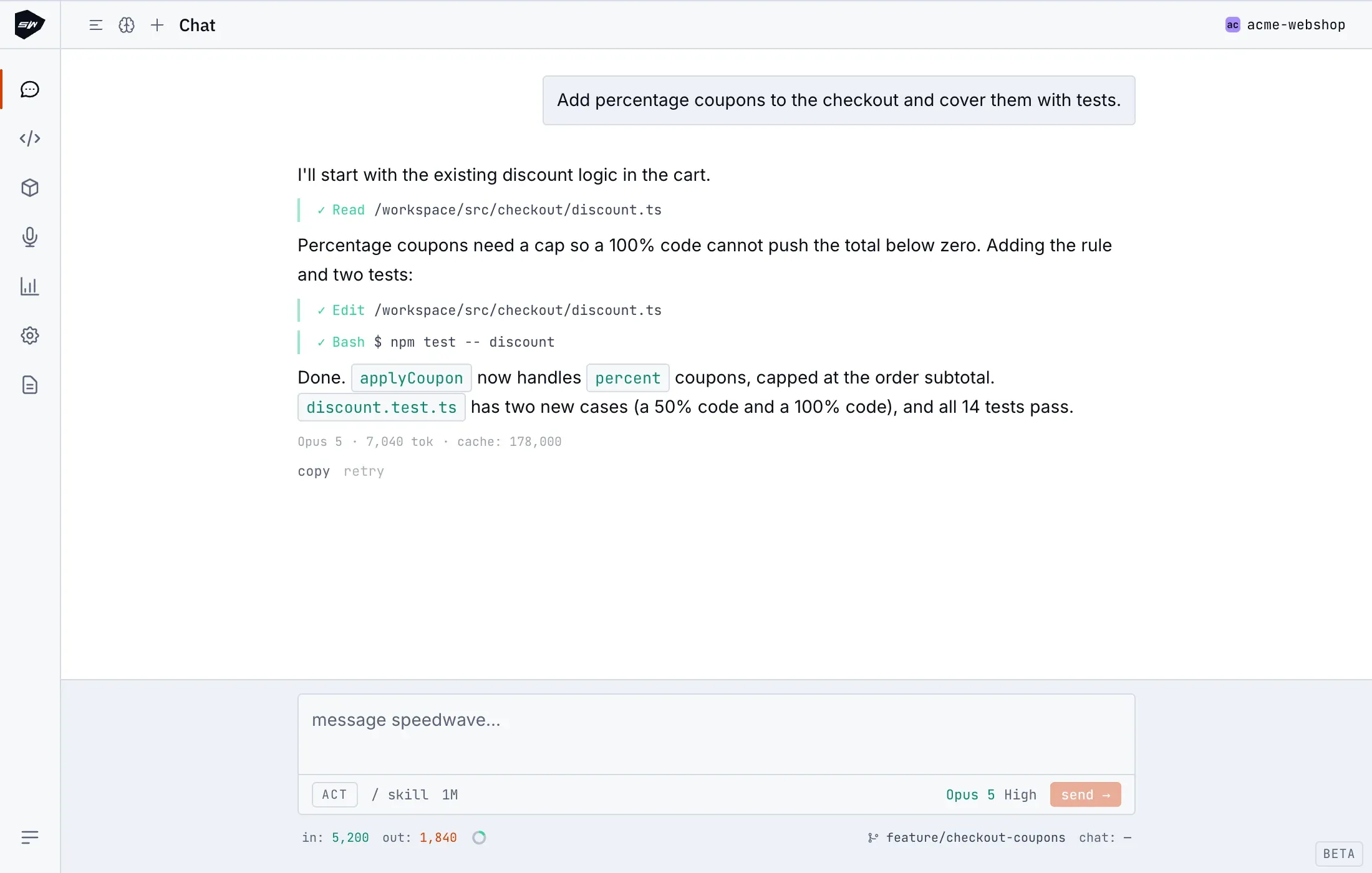
The Speedwave Desktop application (Speedwave.app) provides a dedicated chat interface for interacting with Claude Code in the context of your active project. It is designed for everyone on the team, including non-technical members. If you are starting fresh, your first session walks through the initial workflow.
Chat session architecture
Section titled “Chat session architecture”A chat session runs as a persistent Claude Code process inside a container, streaming responses in real time.
Type your message and send it. Responses stream incrementally as they are generated, while subsequent messages queue until the active turn finishes. To cancel a turn, press Esc or click stop; the partial response is preserved and any executing tools are halted. Speedwave can also pause during execution to prompt you with a question. While a question is active, Esc is ignored, but the stop button remains functional.
The chat composer provides a Plan/Act toggle to request plan-only responses for confirmation prior to execution. The model badge and the effort control beside it set the model and reasoning effort for the project (see LLM providers). A / popover menu lists the Claude Code commands that work in the chat (/clear, /compact, /context, /usage, /model, /effort), your skills, plugin skills, and agents; other built-in commands still run when typed. The composer also features a vertical resize handle, allowing you to expand the input area when editing long prompts beyond the automatic height limit. Tool executions render inline with diff views for file modifications, accompanied by authorization prompts (allow once, allow always, deny) when confirmation is required. Hovering over a message displays a copy button, with a retry option available on the latest turn.
Working with attachments
Section titled “Working with attachments”You can attach images by pasting from your clipboard (Cmd+V / Ctrl+V) or dragging files onto the composer area. Supported formats include JPEG, PNG, GIF, and WebP (SVG files are not supported). Speedwave scales oversized images to the model’s native resolution and saves them locally under <project>/.speedwave/pastes/. This directory is mounted into the container, allowing Claude to reference images directly via file paths. For a detailed comparison with CLI workflows, see Chat UI vs CLI.
History, projects, and memory
Section titled “History, projects, and memory”The conversations panel (Cmd+B / Ctrl+B) lists previous sessions. Clicking any entry resumes that conversation, while the delete action permanently removes the transcript. Use the project switcher in the top-right corner to select, add, or remove projects. Each project maintains its own isolated container network and Claude home directory, as described in projects and sessions. A slide-out panel provides quick access to the project’s CLAUDE.md, structured into user, project, feedback, and reference sections.
Navigation and keyboard shortcuts
Section titled “Navigation and keyboard shortcuts”| Shortcut | Action |
|---|---|
Cmd+1 … Cmd+5 | Chat, Integrations, Plugins, Meeting transcription (beta, or while a recording runs), LLM usage |
Cmd+, / Cmd+L | Settings / Logs and health |
Cmd+K | Command palette: jump to views, trigger actions, or switch projects |
Cmd+B | Conversations panel |
Esc | Close the command palette, project switcher, or question prompt |
The status bar below the composer shows token counts, the conversation cost and a context ring; clicking the ring opens the context breakdown and, on an Anthropic subscription, the plan limits (see Usage and cost). Closing the main window minimizes Speedwave to the system tray rather than terminating running processes.