

Connect an integration
Connecting an external service follows a consistent architectural pattern across all integrations: enabling a service provisions a dedicated worker container, isolates its credentials into a read-only directory, and routes tool calls through the central Tool Gateway.
Enabling an integration
Section titled “Enabling an integration”- Open your target project in the Desktop application and navigate to the Integrations view.
- Toggle the switch for the desired integration. Note that beta integrations (such as Office documents) require toggling Beta features in the Desktop tray menu, whereas production integrations (Slack, GitHub, Atlassian) are available by default.
- Allow the container environment to initialize. Enabling an integration for the first time builds its worker container image on demand. Subsequent activations reuse local image layers and start immediately.
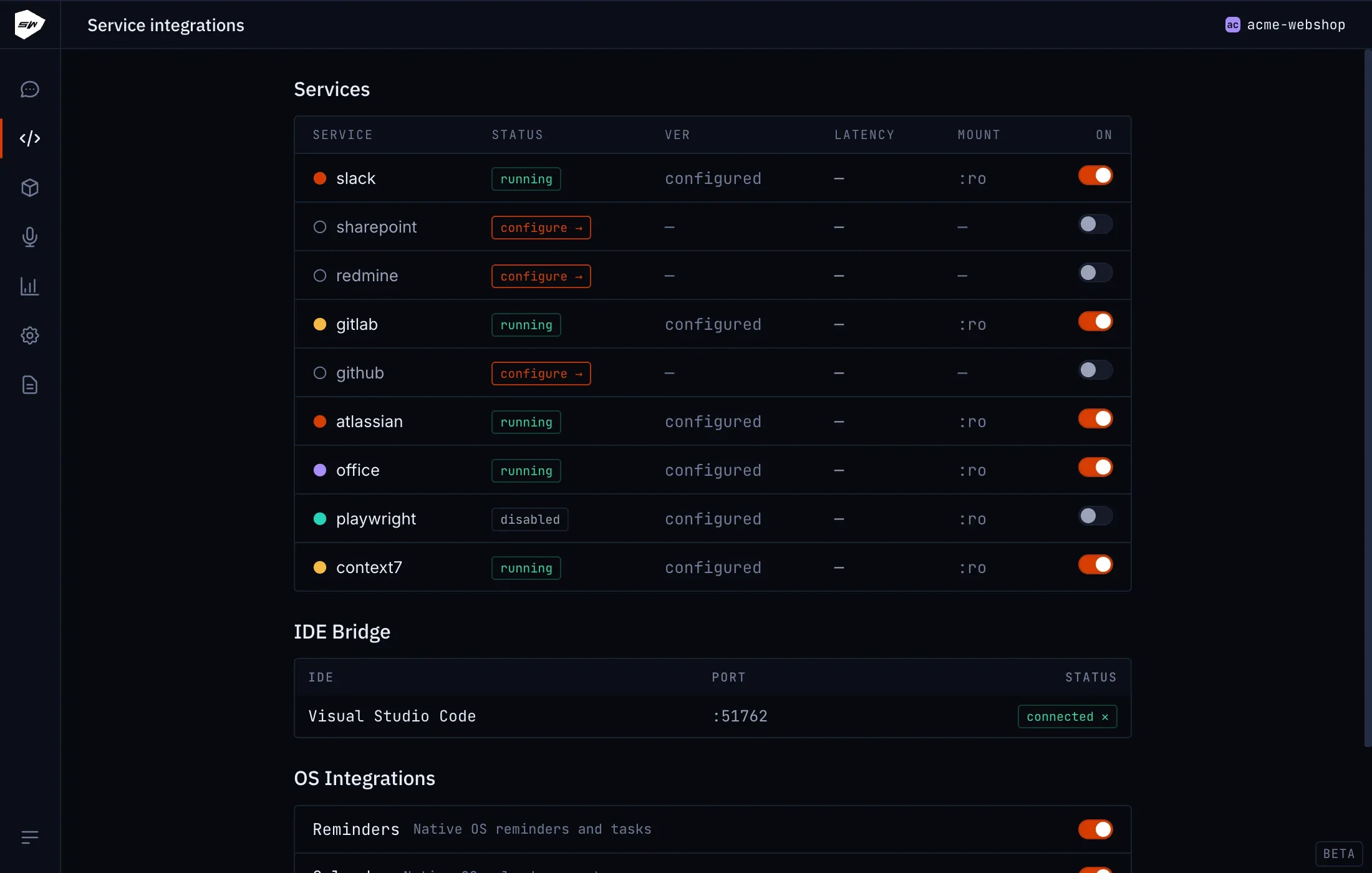
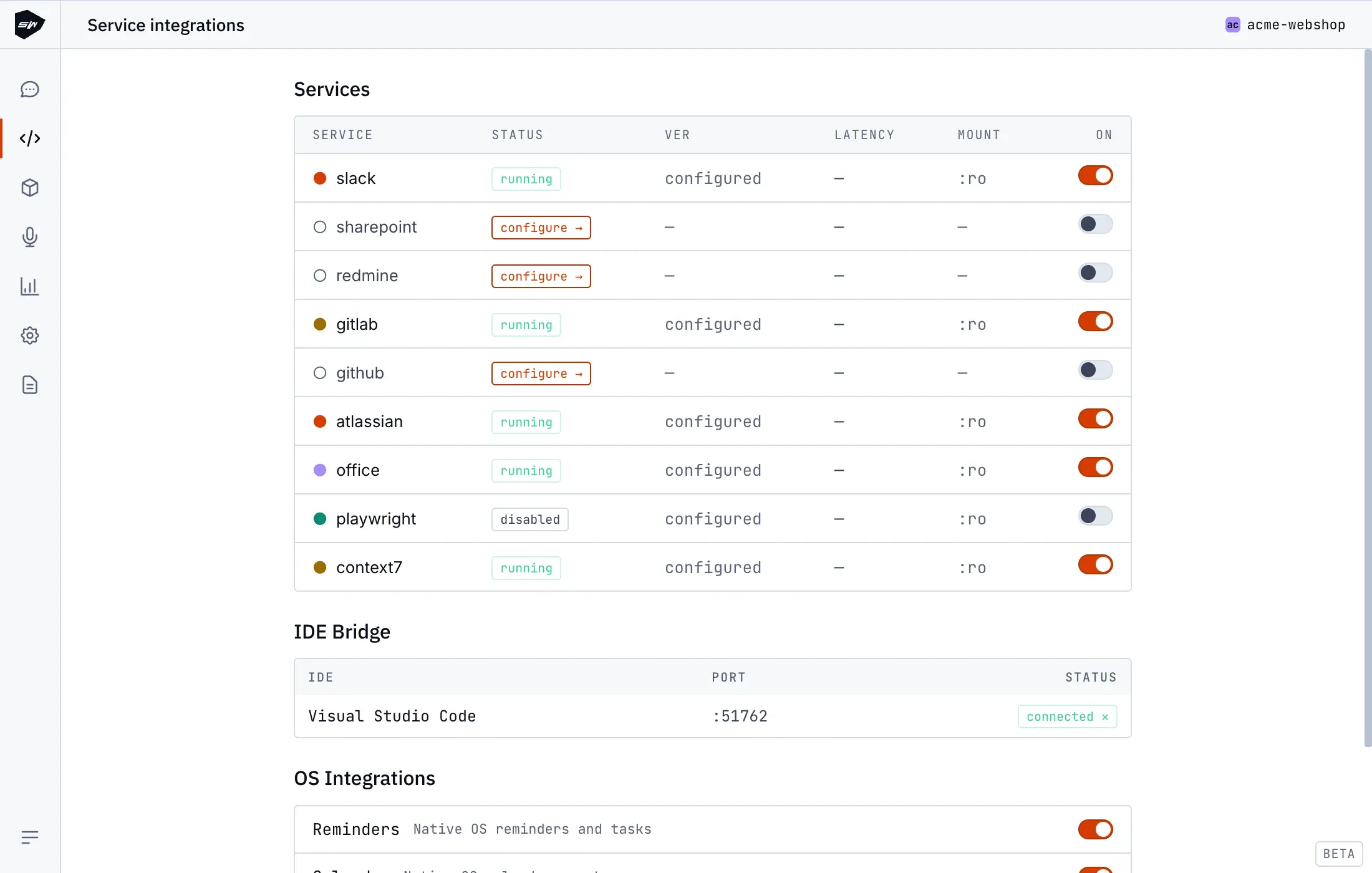
Certain workers operate without authentication credentials: Office documents, Web automation (Playwright), and Context7 run out of the box (Context7 supports an optional API key for higher rate limits). Integrations connecting to external SaaS platforms require valid credentials before tool execution succeeds.
Credential isolation and storage
Section titled “Credential isolation and storage”Authentication occurs outside the Claude container environment. Provisioned credentials are stored in scoped directory paths under ~/.speedwave/tokens/<project>/<service>/, mounted read-only strictly into the designated worker container. Neither Claude Code nor the Tool Gateway stores raw service credentials. See Credentials management for full filesystem specifications.
Connection verification
Section titled “Connection verification”When the toggle switch remains active after container restart, the worker image compilation succeeded.
To verify functional end-to-end connectivity, issue a natural language request to Claude referencing the target service (for example, searching recent GitHub pull requests or reading a Slack channel).