

SharePoint integration
The SharePoint integration connects Speedwave to Microsoft 365 SharePoint sites via Microsoft Graph, enabling document management, web page authoring, and list data synchronization scoped strictly to a single site collection.
Token isolation and host OAuth mediator
Section titled “Token isolation and host OAuth mediator”The SharePoint worker executes in an isolated container. Long-lived OAuth credentials (client_id, tenant_id, refresh_token) reside exclusively on the host at ~/.speedwave/oauth/<project>/sharepoint.json. The host daemon dynamically exchanges refresh tokens with Microsoft identity endpoints, mounting only short-lived access_token and site_id into the worker at /tokens/:
Directory~/.speedwave/oauth/<project>/
- sharepoint.json (Host-only credentials)
Directory/tokens/ (Mounted read-only into container)
- access_token
- site_id
flowchart LR
  A[SharePoint Worker] -->|Proactive / 401 Refresh| B[Host OAuth Mediator]
  B -->|Refresh Token| C[Microsoft /oauth2/v2.0/token]
  C -->|Access Token| D["/tokens/access_token"]
  D -->|Reads Token| A
Tool capabilities
Section titled “Tool capabilities”The worker exposes 28 operations targeting document libraries, modern site pages, and lists:
| Tool name | Capability description |
|---|---|
listFileIds | Enumerate files and folders within site document libraries. |
getFileFull | Retrieve file metadata and download properties. |
downloadFile | Download SharePoint documents to local /workspace paths. |
uploadFile | Upload local workspace files with ETag concurrency controls. |
listPages | Enumerate modern site pages. |
getPage | Retrieve page layout structure and web part definitions. |
createPage | Author modern SharePoint site pages. |
updatePage | Update full page layout specifications. |
addWebPart | Insert standard web parts into modern pages. |
updateWebPart | Modify data properties of existing web parts. |
removeWebPart | Delete web parts from pages. |
publishPage | Publish draft pages to active viewer states. |
addImageWebPart | Insert image components from site assets. |
generateTableOfContents | Compile navigation tables of contents from page heading hierarchies. |
listLists | Enumerate SharePoint lists within the site collection. |
getList | Retrieve list schema and field definitions. |
createList | Author custom SharePoint lists (requires Sites.Manage.All). |
updateList | Modify list title, description, or configuration settings. |
deleteList | Permanently remove a list collection. |
addListColumn | Create typed columns on existing lists (requires Sites.Manage.All). |
removeListColumn | Delete columns from lists. |
listItems | Retrieve list rows with OData $filter queries. |
getItem | Retrieve individual list row records. |
createItem | Create new list records. |
updateItem | Update existing list records. |
deleteItem | Permanently remove list items. |
deletePage | Delete modern site pages. |
getCurrentUser | Retrieve authenticated user profile metadata. |
Local workspace operations strictly enforce path traversal validation and ignore paths matching sensitive configuration files (.git, .env, .speedwave, .ssh). SharePoint paths are relative to the root of the site’s document library, as listFileIds returns them: a path with .., a leading slash or backslash, a colon (such as a drive letter), a null byte, or URL encoding nested more than five levels deep is rejected.
Configuration
Section titled “Configuration”SharePoint integration requires an Azure AD App Registration configured with OAuth Device Flow:
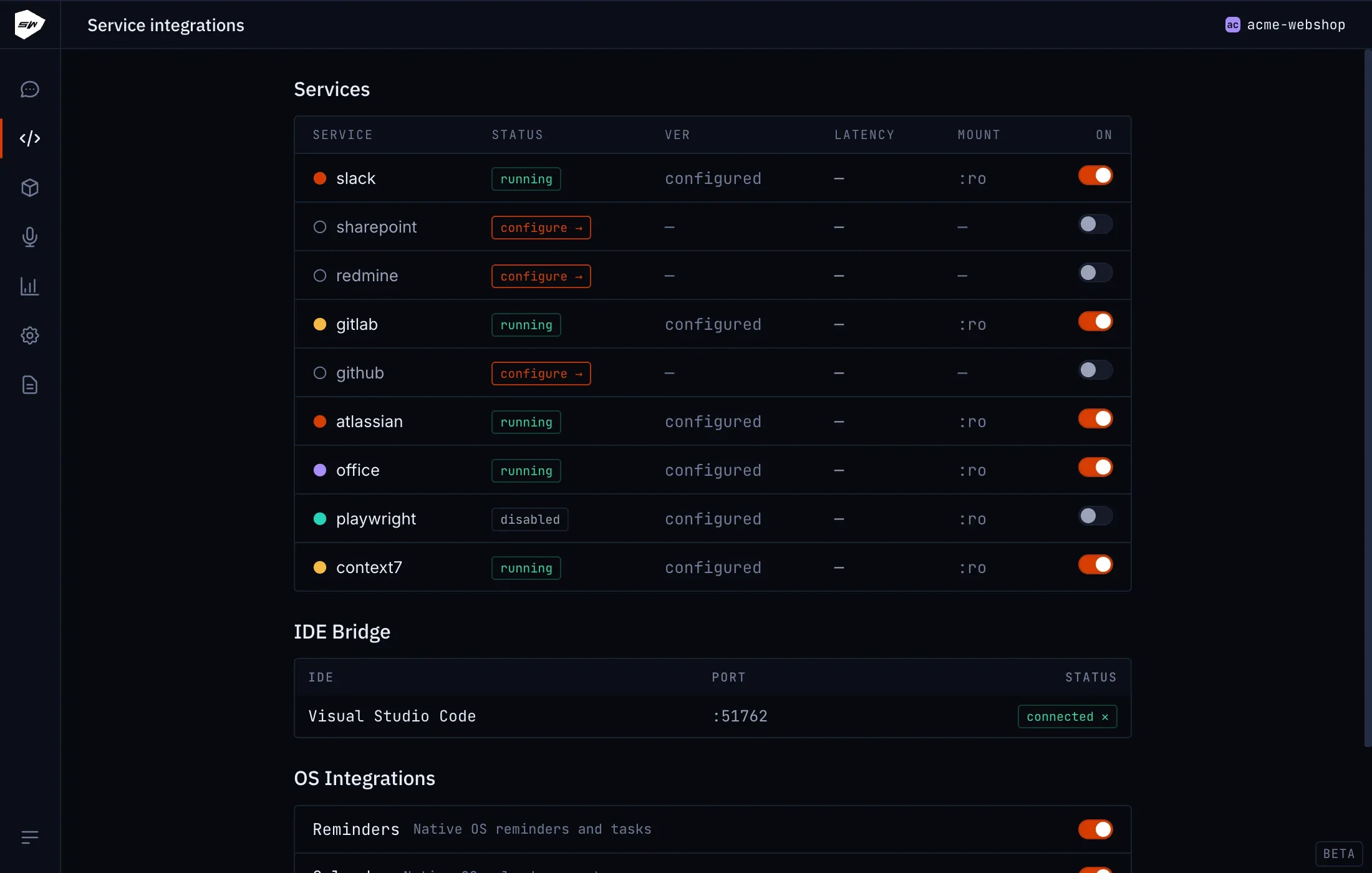
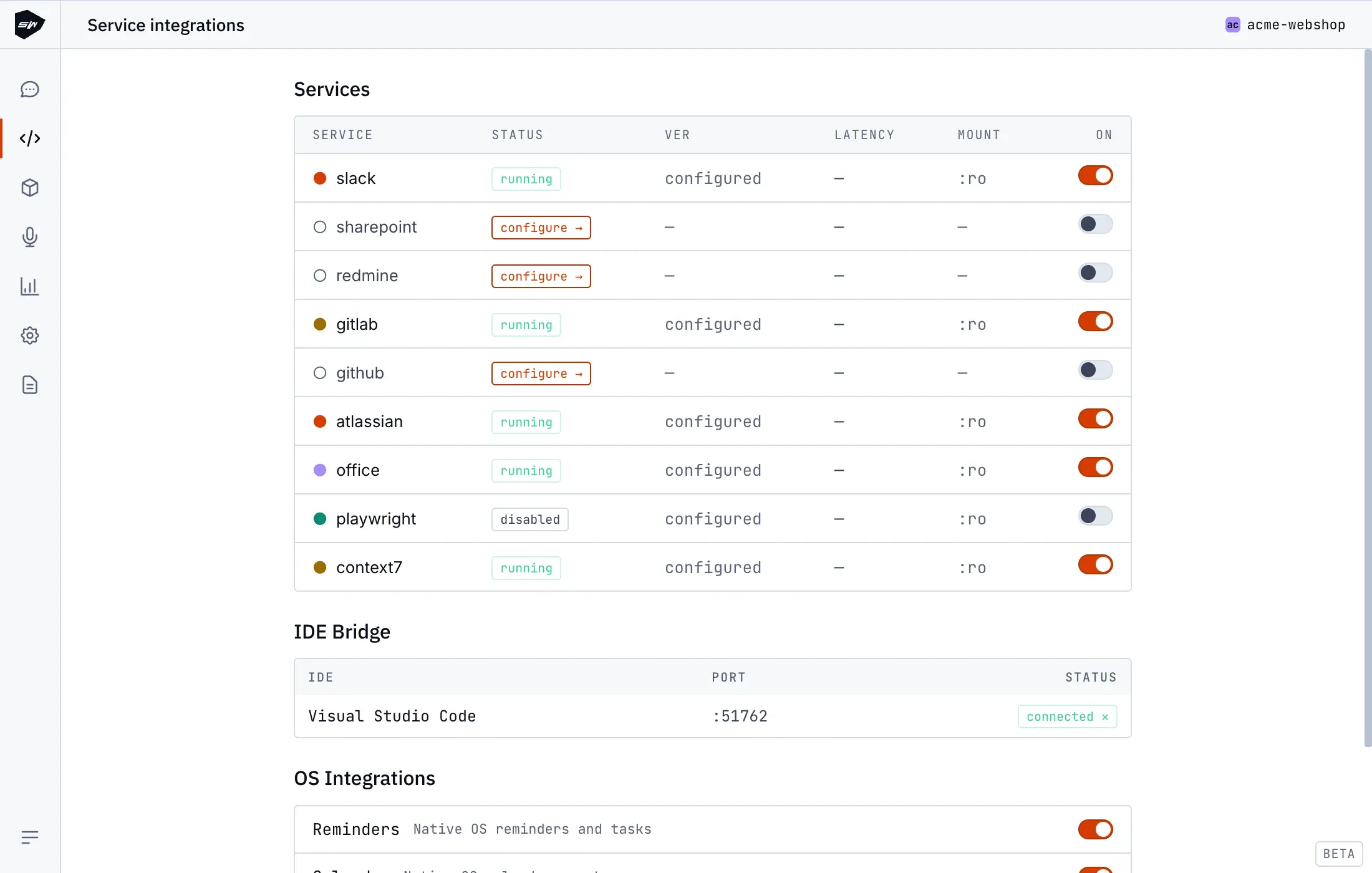
acme.sharepoint.com:/sites/Marketing:{hostname},{site-guid},{web-guid}- Open your project in the Desktop application and select Integrations → SharePoint.
- Input
client_id,tenant_id, andsite_id. - Initiate authentication and complete the device login prompt at
https://microsoft.com/devicelogin. - Grant requested permissions in Azure AD (
Sites.Manage.All,Files.ReadWrite.All,User.Read,offline_access). - Save settings to activate the worker.
Security boundaries
Section titled “Security boundaries”The SharePoint worker can communicate exclusively with Microsoft Graph endpoints, restricted strictly to the configured site collection. Long-lived refresh tokens remain protected on the host. Refer to Credentials management for additional security specifications.