

GLPI integration plugin
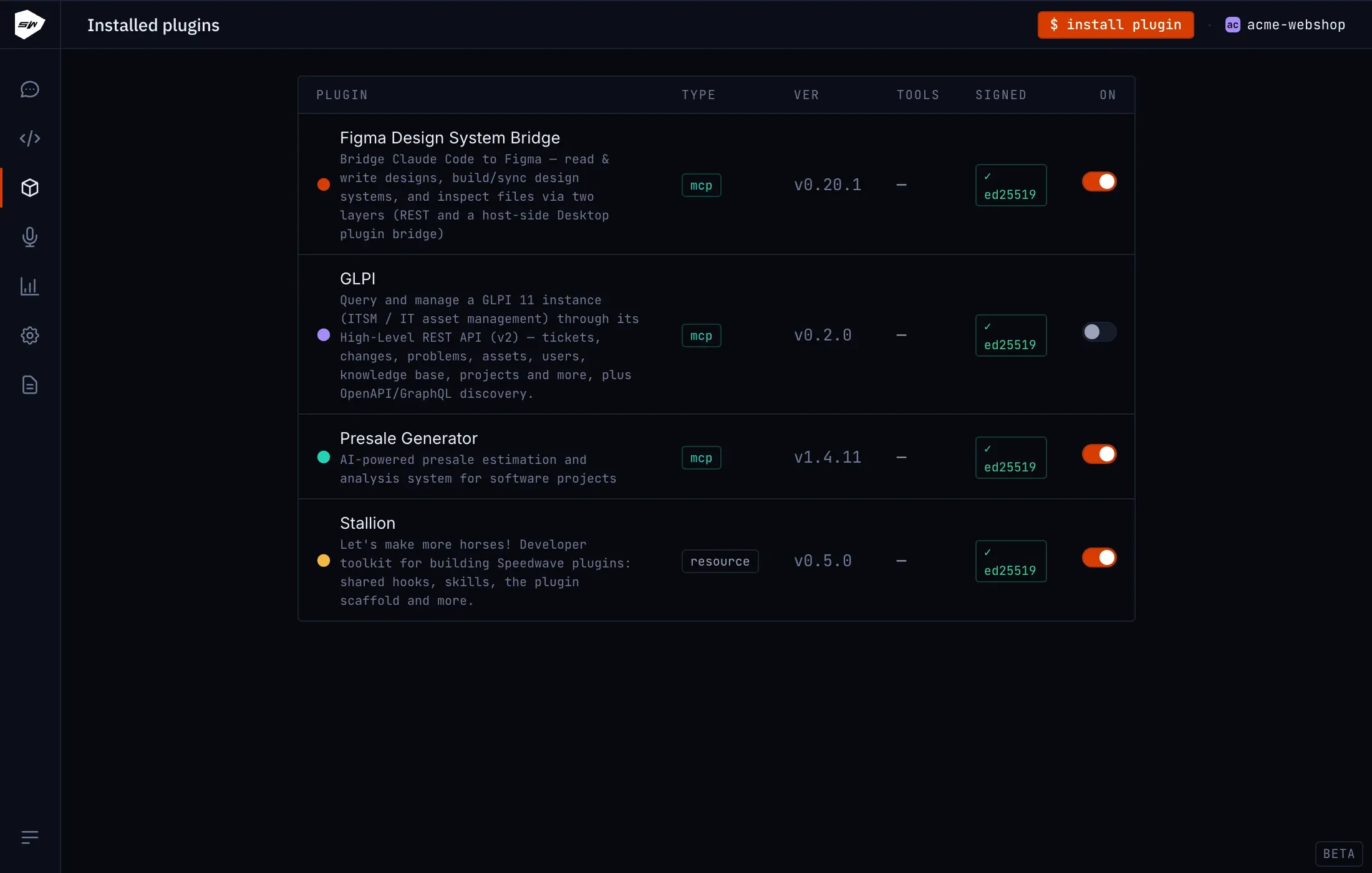
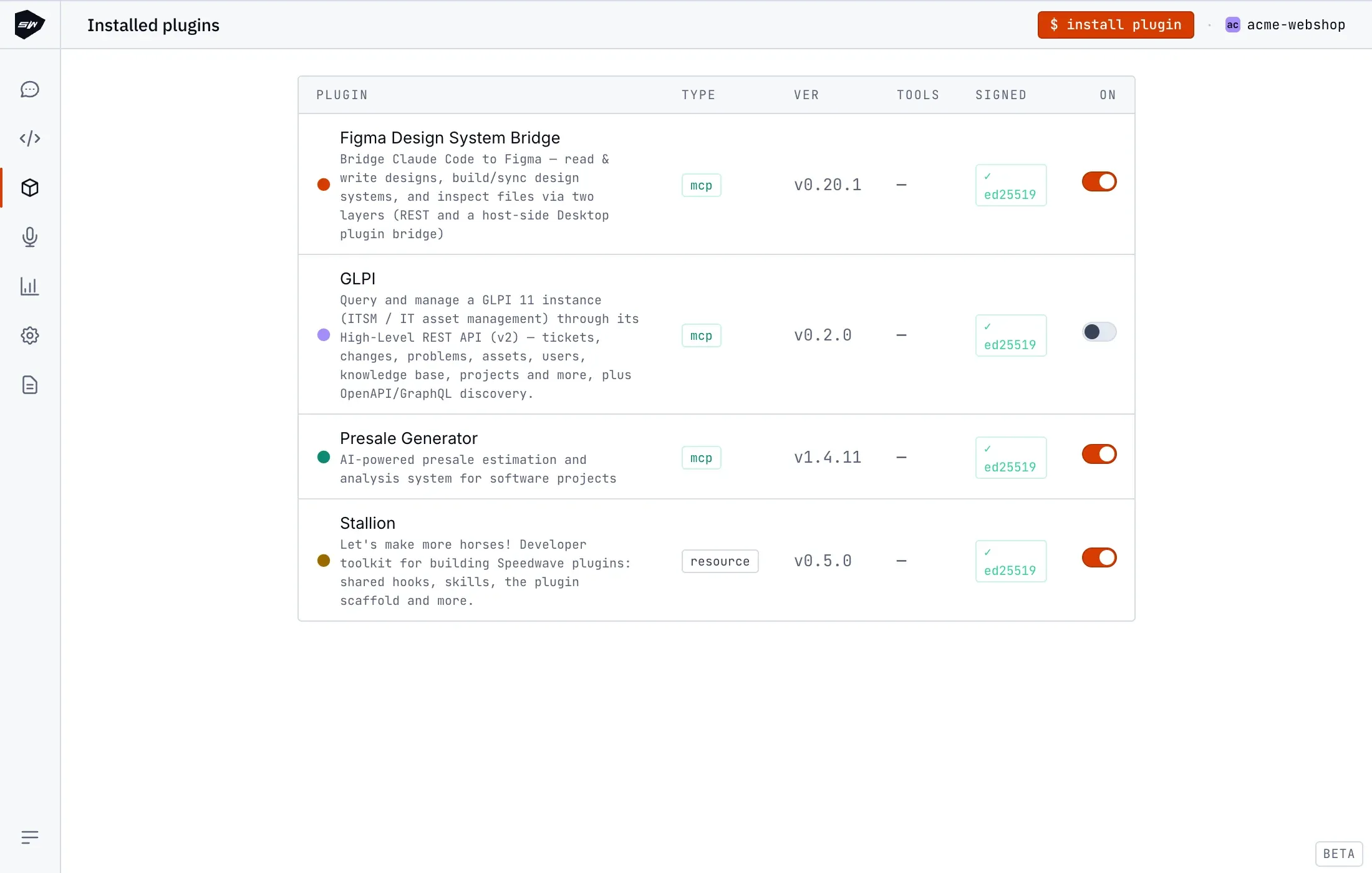
The GLPI plugin enables Speedwave to interface with GLPI 11 IT service management (ITSM) and asset management platforms. Claude can inspect and triage tickets, transition problem records, update hardware asset inventories, and query user directory structures.
Architecture and runtime design
Section titled “Architecture and runtime design”The plugin runs as a stateless MCP worker container hosting an Express service written in TypeScript on Node 24. It targets the GLPI High-Level REST API v2 (api.php/v2) and GraphQL endpoints.
The container executes with standard isolation policies: unprivileged user permissions, read-only root filesystems, and a read-only /tokens directory mount. Outbound network traffic is constrained to the target GLPI instance.
Bundled skills
Section titled “Bundled skills”| Skill identifier | Description |
|---|---|
glpi-operations | Orchestrates comprehensive ITIL workflows across tickets, problems, and asset inventories. Destructive operations require explicit confirmation. |
Tool definitions
Section titled “Tool definitions”The plugin provides 22 operations organized into functional categories:
API discovery and introspection
Section titled “API discovery and introspection”| Tool name | Description |
|---|---|
glpi_status | Verifies instance reachability and API status. |
glpi_session | Inspects active user session metadata. |
glpi_list_endpoints | Lists exposed resource namespaces in the v2 API. |
glpi_get_openapi | Retrieves OpenAPI v3 specifications for instance routes. |
glpi_graphql | Executes read-only GraphQL queries for selective datasets. |
glpi_graphql_schema | Fetches GraphQL schema definitions. |
Universal resource CRUD
Section titled “Universal resource CRUD”| Tool name | Description |
|---|---|
glpi_list | Queries collection resources with filtering, sorting, and pagination. |
glpi_get | Retrieves individual resource records by path and ID. |
glpi_create | Authors new records at specified resource paths. |
glpi_update | Modifies existing resource attributes. |
glpi_delete | Permanently deletes a resource record (requires confirmation). |
glpi_request | Generic HTTP request dispatcher for specialized sub-resource paths. |
ITIL ticket, change, and problem management
Section titled “ITIL ticket, change, and problem management”| Tool name | Description |
|---|---|
glpi_itil_list | Lists tickets, changes, or problem tickets. |
glpi_itil_get | Retrieves complete ITIL ticket records by ID. |
glpi_itil_create | Creates new ITIL tickets with assigned categories and urgencies. |
glpi_itil_update | Updates status transitions, assignments, or priorities. |
glpi_itil_get_timeline | Retrieves chronological timeline notes, tasks, and followups. |
glpi_itil_add_timeline | Appends solutions, followups, or approval tasks. |
Assets and directory management
Section titled “Assets and directory management”| Tool name | Description |
|---|---|
glpi_asset_list | Enumerate hardware assets (computers, monitors, network gear). |
glpi_asset_get | Inspect specific hardware inventory records. |
glpi_user_me | Retrieve authenticated profile information. |
glpi_admin_list | Query directory objects (users, groups, entities, profiles). |
Authentication and token lifecycle
Section titled “Authentication and token lifecycle”The plugin uses OAuth2 Authorization Code Grant mediated by the host daemon. Long-lived credentials (client_secret, refresh_token) reside in host storage at ~/.speedwave/oauth/<project>/glpi.json. The host daemon maintains short-lived access tokens mounted at /tokens/access_token and the target endpoint at /tokens/glpi_url.
If GLPI returns HTTP 400/401 on token expiration, the worker coordinates an atomic token refresh via the host daemon before retrying requests.
Configuration
Section titled “Configuration”- In GLPI, navigate to Setup → OAuth Clients and register a new client application.
- Set the redirect URI to
http://127.0.0.1:9123/callback. - In Speedwave Desktop, open the GLPI plugin configuration, enter the API Base URL (
https://glpi.example.com/api.php), Client ID, and Client Secret, then click Save. - Click Sign in with GLPI to complete the browser authorization flow.
Security boundaries
Section titled “Security boundaries”The worker container holds only short-lived access tokens mounted read-only. Client secrets and refresh tokens are isolated on the host. Refer to Credentials management for additional security specifications.