

GitHub integration
The GitHub integration connects Speedwave directly to GitHub.com repositories, allowing Claude to inspect file trees, analyze pull request diffs, post inline review comments, manage issues, and trigger GitHub Actions workflows.
Authentication and credential isolation
Section titled “Authentication and credential isolation”GitHub operates within a dedicated worker container. Tokens reside in ~/.speedwave/tokens/<project>/github/token and are mounted read-only into the worker at /tokens/token.
Authentication is established using the standard GitHub OAuth Device Flow: Speedwave presents a one-time verification code which you authorize at https://github.com/login/device. The authorization requests repo and read:user scopes. Alternatively, you can configure manual Personal Access Tokens (PATs: fine-grained github_pat_ or classic ghp_).
Tool requests pass from Claude Code through the stateless Tool Gateway to the GitHub worker, communicating directly with https://api.github.com.
Tool capabilities
Section titled “Tool capabilities”The GitHub worker exposes 46 specialized operations:
Repository and branch management
Section titled “Repository and branch management”| Tool name | Description |
|---|---|
listRepos | Enumerate accessible repositories with search filtering. |
getCurrentUser | Identify the token owner, used to resolve “me” in filters. |
getRepo | Retrieve repository metadata. |
searchCode | Search codebase content across repositories. |
listBranches | List repository branches. |
getBranch | Inspect branch reference metadata. |
createBranch | Create a new branch from a commit SHA or reference. |
deleteBranch | Permanently delete a branch. |
compareBranches | Compare commit differences between branches. |
getTree | Retrieve recursive directory trees. |
getFileContents | Read raw file contents from a repository path. |
createOrUpdateFile | Commit file creations or updates directly. |
Pull requests and code reviews
Section titled “Pull requests and code reviews”| Tool name | Description |
|---|---|
listPullRequests | Query pull requests by state, branch, or base target. |
getPullRequest | Retrieve comprehensive pull request metadata. |
createPullRequest | Author draft or standard pull requests. |
updatePullRequest | Modify pull request titles, descriptions, base targets, or status. |
mergePullRequest | Execute pull request merges. |
getPrDiff | Retrieve unified git diff strings for a pull request. |
getPrFiles | Inspect modified file lists with line change statistics. |
listPrCommits | Enumerate commits associated with a pull request. |
listPrReviews | Retrieve review submissions on a pull request. |
createPrReview | Submit formal pull request reviews (APPROVE, REQUEST_CHANGES, COMMENT). |
listPrComments | Retrieve general discussion comments on a pull request or an issue. |
createPrComment | Post general discussion comments on a pull request or an issue. |
createPrReviewComment | Post inline review comments anchored to specific diff lines. |
Commits, tags, and releases
Section titled “Commits, tags, and releases”| Tool name | Description |
|---|---|
listCommits | List commits filtered by author, path, or date range. |
listBranchCommits | Enumerate commits on a designated branch. |
searchCommits | Search commit messages across GitHub. |
getCommitDiff | Retrieve unified diff for an individual commit. |
createTag | Create annotated or lightweight Git tags. |
deleteTag | Delete a Git tag. |
createRelease | Author GitHub releases (auto-creating tags if absent). |
GitHub Actions and issue tracking
Section titled “GitHub Actions and issue tracking”| Tool name | Description |
|---|---|
listWorkflowRuns | Enumerate Actions workflow executions by branch or status. |
getWorkflowRun | Inspect workflow execution details and status. |
getRunLogs | Retrieve temporary download URLs for workflow execution logs. |
rerunWorkflow | Trigger re-execution of a workflow run. |
triggerWorkflow | Dispatch manual workflow_dispatch executions. |
listWorkflowRunArtifacts | Enumerate build artifacts produced by workflows. |
downloadArtifact | Retrieve temporary download URLs for workflow build artifacts. |
listIssues | Query repository issues (excluding pull requests). |
getIssue | Retrieve issue metadata and discussion. |
createIssue | Author new repository issues. |
updateIssue | Modify issue details, labels, milestones, or assignees. |
closeIssue | Mark an issue closed. |
listLabels | Enumerate repository issue labels. |
createLabel | Create issue labels. |
Configuration
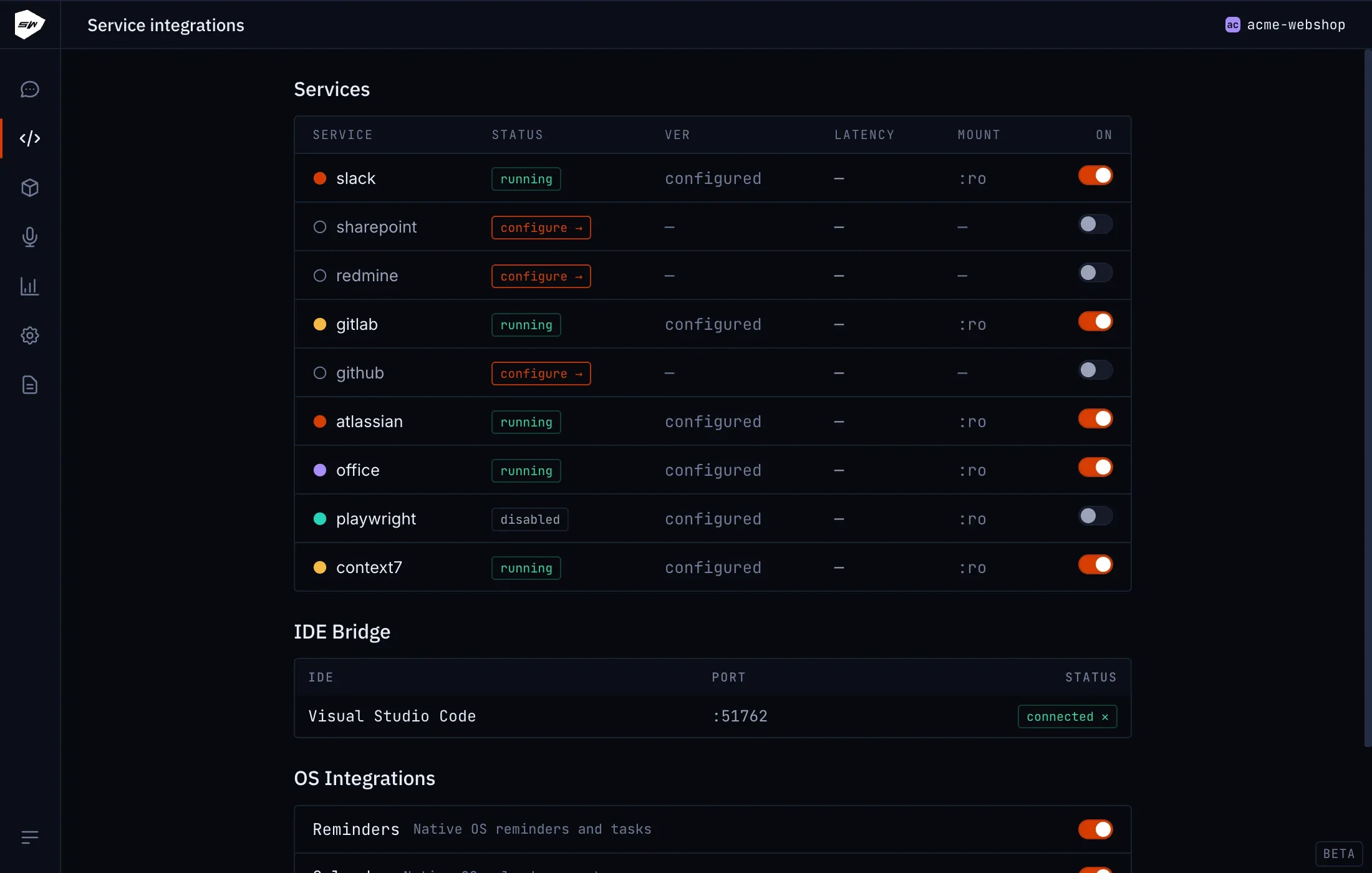
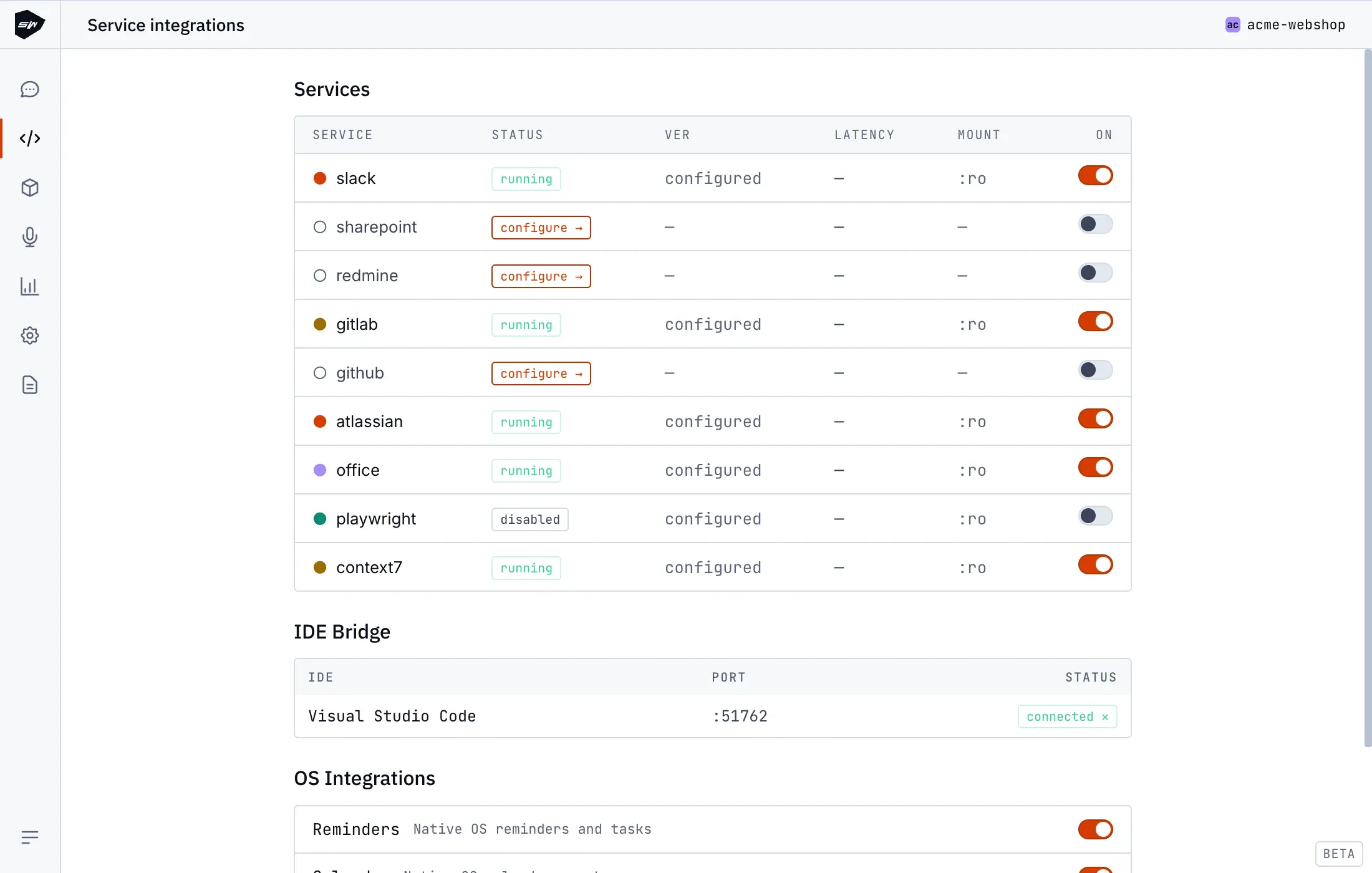
Section titled “Configuration”- Open your project in the Desktop application and navigate to Integrations → GitHub.
- Click Sign in with GitHub and authorize the device code displayed in your browser.
- Upon approval, tokens are stored securely in local token storage and the worker becomes active.
Security boundaries
Section titled “Security boundaries”The GitHub worker container operates under standard Speedwave sandboxing: unprivileged user execution, read-only root filesystems, and strict credential isolation. Tokens are never exposed to Claude Code or other worker containers. See Credentials management for storage specifications.