

Redmine integration
The Redmine integration connects Speedwave to self-hosted or managed Redmine instances. Claude can inspect issue hierarchies, register time logs, manage journal entries, link issue dependencies, and coordinate project planning workflows.
Configuration architecture and ID mapping
Section titled “Configuration architecture and ID mapping”Redmine runs in an isolated worker container. Credentials and instance mappings reside in ~/.speedwave/tokens/<project>/redmine/:
Directory~/.speedwave/tokens/<project>/redmine/
- api_key
- config.json
The integration uses an API access key rather than user passwords. Because Redmine instances assign dynamic numerical identifiers to issue trackers, statuses, priorities, and time activities, config.json stores deterministic semantic mappings (e.g. status_in_progress -> 2, tracker_bug -> 1).
Descriptions, notes, and journal entries are formatted in Textile syntax. Speedwave sanitizes markup inputs prior to dispatch, stripping insecure HTML elements.
Failed requests execute automatic retries up to 3 times with exponential backoff delays (2s, 4s, 8s). A malformed call never reaches the server: an unknown or missing parameter, a name passed together with its _id twin (such as status and status_id), or an ID that is not a positive number is rejected with an error naming the parameter.
Semantic mapping keys
Section titled “Semantic mapping keys”| Category | Canonical identifier keys |
|---|---|
| Status | status_new, status_in_progress, status_resolved, status_feedback, status_closed, status_rejected |
| Priority | priority_low, priority_normal, priority_high, priority_urgent, priority_immediate |
| Tracker | tracker_bug, tracker_feature, tracker_task, tracker_support |
| Activity | activity_design, activity_development, activity_testing, activity_documentation, activity_support, activity_management, activity_devops, activity_review |
Tool reference
Section titled “Tool reference”The Redmine worker exposes 24 specialized tools:
| Tool name | Description |
|---|---|
listIssueIds | Query issue identifiers with filters for project, status, tracker, priority, assignee, and target version. Returns open issues unless status: "*" is passed. |
getIssueFull | Retrieve comprehensive issue metadata including custom fields, relations, and history. |
searchIssueIds | Search issues using text keywords, optionally within one target version. |
createIssue | Author new issues specifying tracker, status, priority, assignee, parent, and target version. |
updateIssue | Modify issue attributes (including project, tracker, parent, estimated hours, and target version) and append a note in one call; returns the fields as saved so changes can be checked. |
commentIssue | Append discussion notes (journal entries) to an issue. |
listJournals | Retrieve history logs and comments for an issue. |
updateJournal | Edit existing journal note text. |
deleteJournal | Permanently remove journal entries. |
listTimeEntries | Query logged work hours by issue, user, project, or date interval. |
createTimeEntry | Log billable or non-billable work hours against issues or projects. |
updateTimeEntry | Update logged hours, activity classifications, or comments. |
listUsers | List Redmine users or project membership rosters. |
resolveUser | Resolve usernames or me shortcuts to canonical user IDs. |
getCurrentUser | Retrieve the authenticated user’s profile (never the API key). |
listProjectIds | Enumerate accessible project identifiers. |
getProjectFull | Retrieve full project configuration (trackers, categories, modules). |
listVersions | List a project’s target versions (milestones, planning weeks), including shared ones; only open versions can be assigned. |
searchProjectIds | Search projects by name or slug. |
listRelations | Enumerate issue dependency relations. |
createRelation | Create issue relations (blocks, precedes, relates, duplicates, etc.). |
deleteRelation | Permanently remove an issue relation link. |
getMappings | Retrieve active status, tracker, and activity mapping tables. |
getConfig | Retrieve active Redmine host URL and project bindings. |
Configuration workflow
Section titled “Configuration workflow”- In Redmine, navigate to My account and copy the API access key.
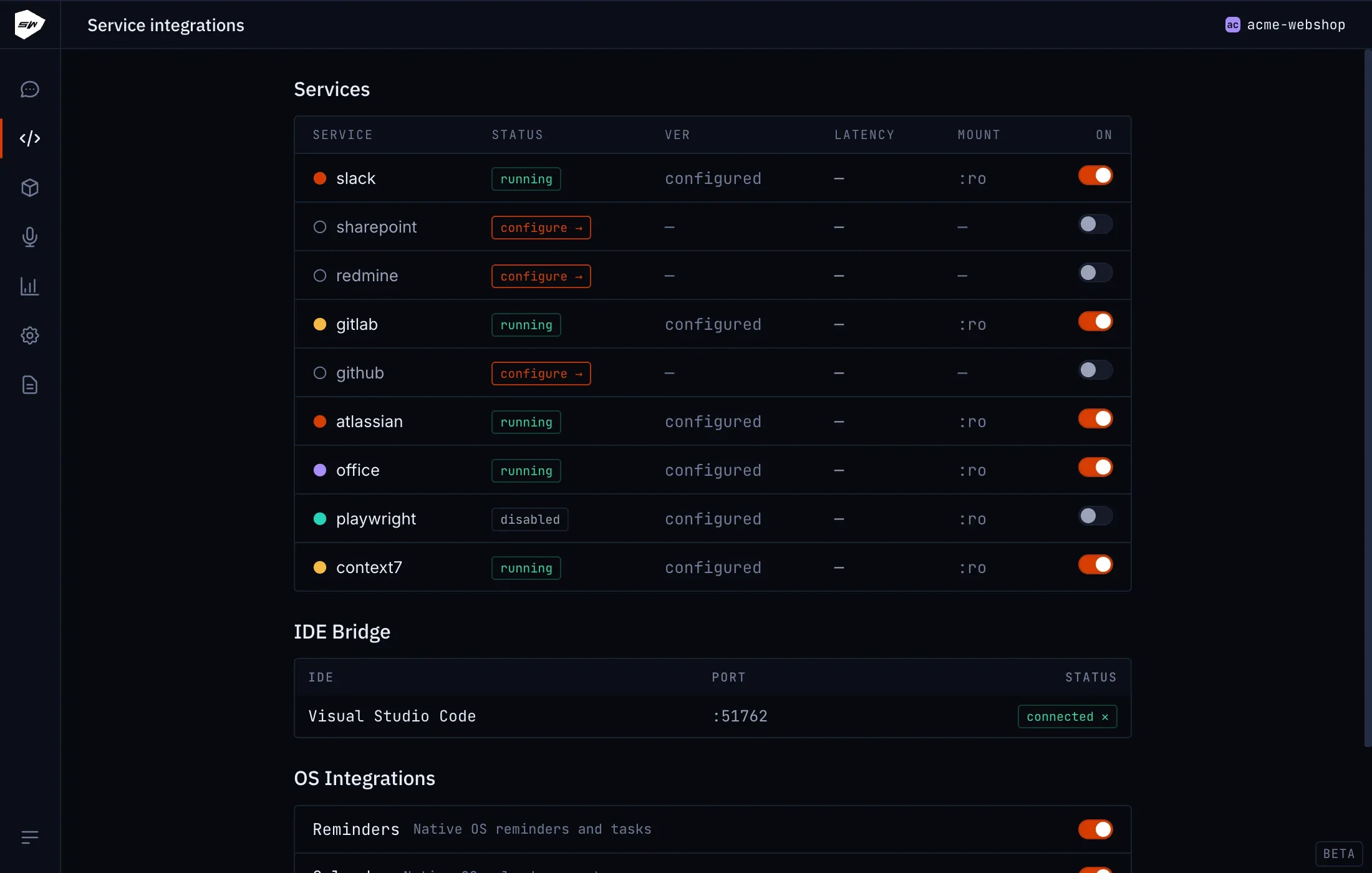
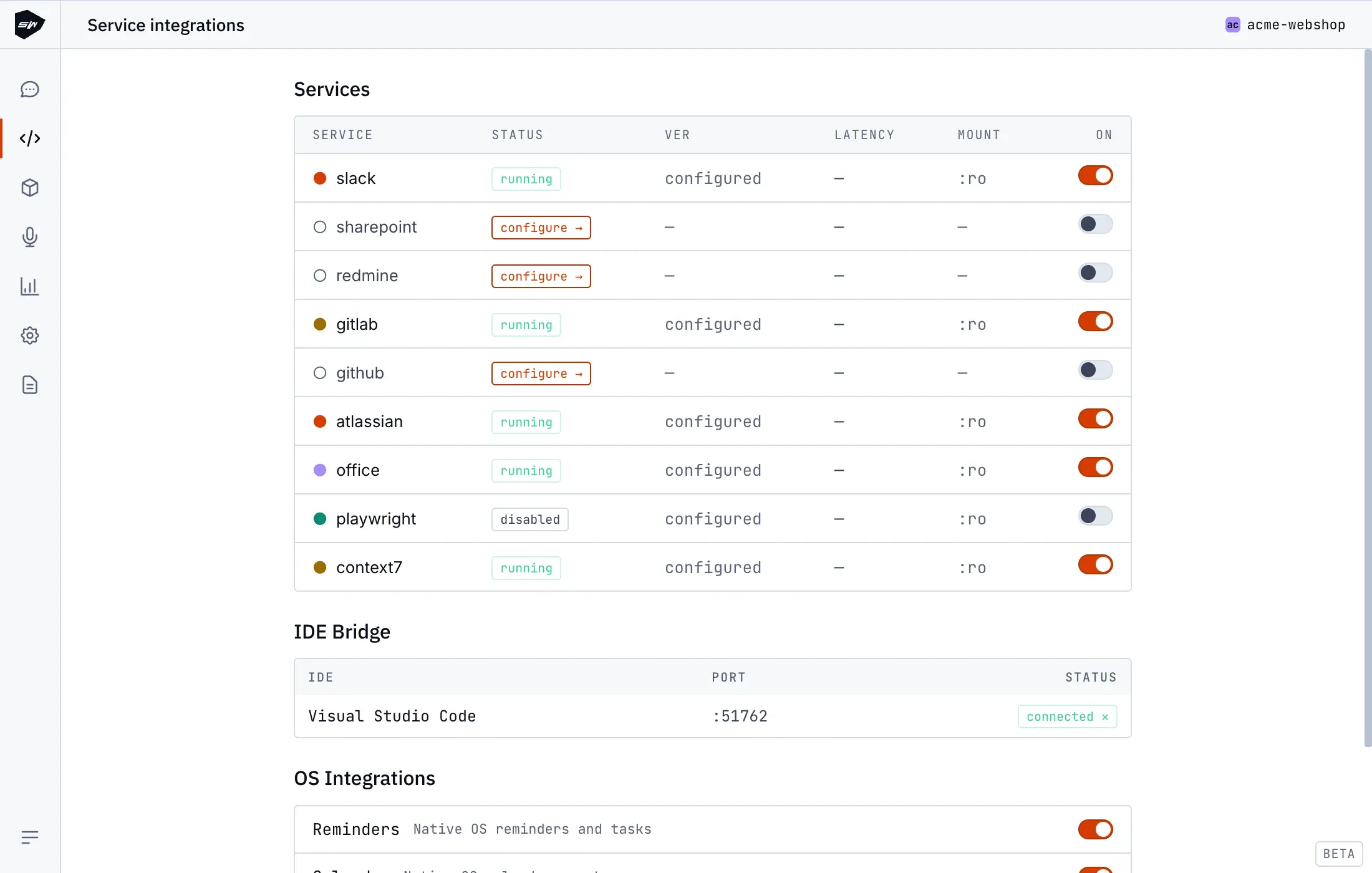
- Open the Redmine integration card in the Desktop application and enter your Redmine URL and API Key. Click Validate.
- Confirm mapped project scope and review detected ID mappings for statuses and trackers.
- Save the configuration to initialize the worker container.
Security boundaries
Section titled “Security boundaries”The Redmine worker mounts only its dedicated token directory in read-only mode. Redmine returns the account’s API key with the user profile; the worker drops it, so the key never reaches the model. All API calls pass through the stateless Tool Gateway. If a project identifier is fixed in config.json, the worker rejects mutations outside that scope. See Credentials management for details.