

Atlassian (Jira and Confluence)
The Atlassian integration enables Speedwave to manage Jira issue lifecycles, Agile sprint boards, work logs, issue attachments, and Confluence documentation pages directly from active sessions. This integration targets Atlassian Cloud instances.
Architecture and credential mounting
Section titled “Architecture and credential mounting”The Atlassian worker executes in a dedicated container. Three credential variables govern API authentication: the instance URL, user account email, and an Atlassian API token. Credentials reside in ~/.speedwave/tokens/<project>/atlassian/ and are mounted into the worker container in read-only mode. Workspace files are mounted read-only at /workspace for attachment uploads.
Administrators can configure optional project and space allowlists (jira_project_keys, confluence_space_keys) to restrict operations strictly to authorized domains.
Tool requests originate from Claude Code, passing through the stateless Tool Gateway to the Atlassian worker, which dispatches authenticated REST requests directly to Atlassian Cloud endpoints.
Available tool capabilities
Section titled “Available tool capabilities”The worker provides 35 specialized tools: 22 for Jira and 13 for Confluence.
Jira tools
Section titled “Jira tools”| Tool name | Capability description |
|---|---|
searchIssues | Search issues using JQL with cursor pagination (up to 100 results). |
getIssue | Retrieve issue metadata by issue key or numeric identifier. |
createIssue | Author issues specifying summary, issue type, description, priority, labels, and assignee. |
updateIssue | Modify summary, description, priority, or labels on existing issues. |
getTransitions | Query available workflow transitions for an issue. |
transitionIssue | Execute status transition on an issue. |
assignIssue | Assign or unassign issues to team members. |
getMyself | Inspect authenticated user profile metadata. |
addAttachment | Stream file attachments from /workspace to Jira issues. |
deleteAttachment | Permanently remove attachments by ID (disabled when project allowlists are active). |
addComment | Post comments on Jira issues. |
getComments | Retrieve threaded comments from an issue. |
addWorklog | Record time tracking entries against Jira issues. |
listProjects | List accessible Jira projects with name or key filters. |
getProject | Retrieve project metadata by key or identifier. |
listIssueTypes | List available issue types within a project. |
listBoards | Enumerate Jira Software Agile boards. |
getBoard | Inspect specific Agile board definitions. |
getBoardConfiguration | Retrieve board filter and column status mappings. |
listSprints | Query sprints associated with an Agile board. |
getSprint | Inspect sprint metadata and timeframes. |
moveIssuesToSprint | Assign batches of up to 50 issues into an active or planned sprint. |
Confluence tools
Section titled “Confluence tools”| Tool name | Capability description |
|---|---|
searchPages | Query pages using CQL (up to 100 results). |
getPage | Retrieve page metadata and storage-format body. |
getPageByTitle | Locate pages by exact title match within a specific space. |
createPage | Author new pages using plain text or XHTML storage formats. |
updatePage | Update page titles or content with automated version increments. |
getPageChildren | List direct child page hierarchies. |
addPageComment | Add discussion comments to Confluence pages. |
getPageComments | Retrieve discussion comments from a page. |
addPageLabels | Attach metadata labels to pages. |
getPageLabels | List attached labels on a page. |
listAttachments | Enumerate page attachment metadata. |
listSpaces | Enumerate Confluence spaces with key filtering. |
getSpace | Retrieve space metadata by key. |
Issue and page bodies accept plain markdown text (converted automatically) or pre-rendered Atlassian Document Format (ADF) / Confluence storage XHTML.
Configuration workflow
Section titled “Configuration workflow”- Generate an API token via id.atlassian.com/manage-profile/security/api-tokens.
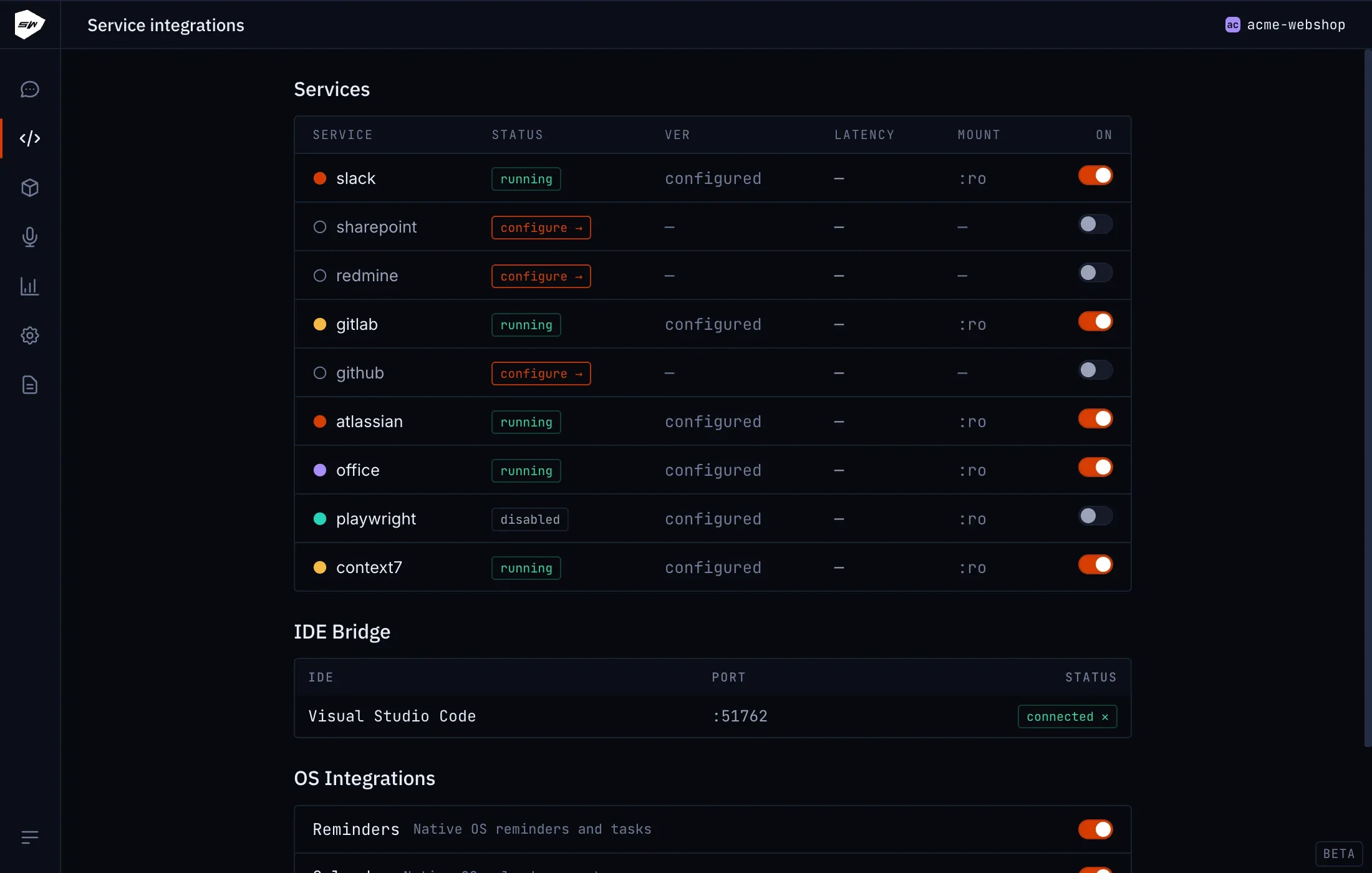
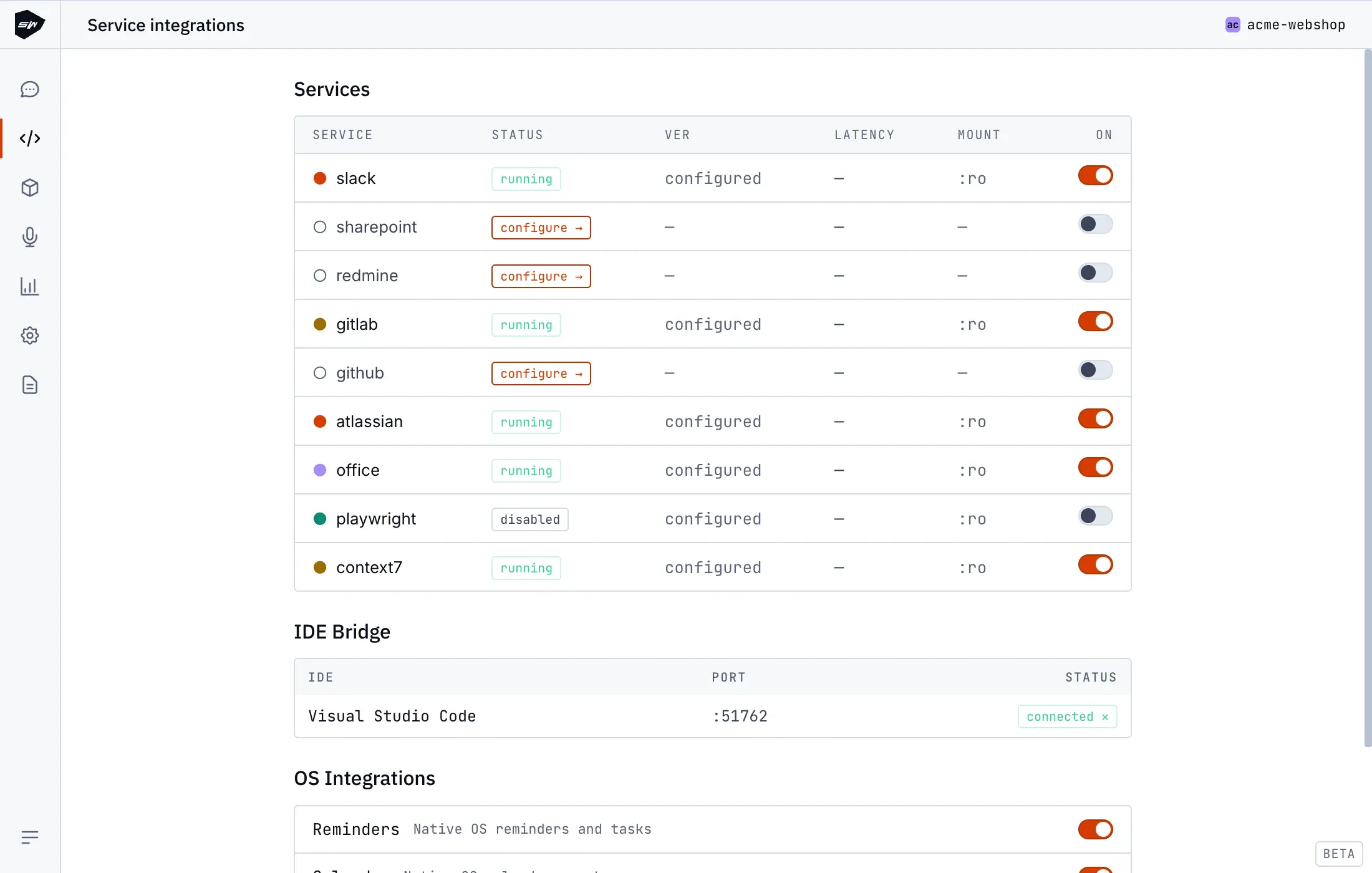
- Open your project in the Desktop application and navigate to Integrations → Atlassian.
- Configure the Atlassian site URL (
https://your-domain.atlassian.net), Account email, and API token. - Configure optional Jira project keys and Confluence space keys allowlists.
- Save settings to initialize the worker container.
For generic integration troubleshooting, consult Connect an integration.
Security boundaries
Section titled “Security boundaries”The Atlassian worker runs as an unprivileged user (cap_drop: ALL, no-new-privileges, read-only root filesystem). Attachment uploads are validated against path traversal (.. or symlink escapes), ensuring the worker cannot read tokens outside /workspace. Outbound network routing is restricted to the declared Atlassian host, and credentials are scrubbed from error payloads. Consult Credentials management for isolation specifics.