

Create your first project
All development work in Speedwave is organized within distinct projects. A project represents a registered workspace binding a unique project name to a specific local filesystem directory. All container networks, credentials, and session states are isolated per project.
Registering a project
Section titled “Registering a project”You can register a project using either the Desktop application or the CLI interface:
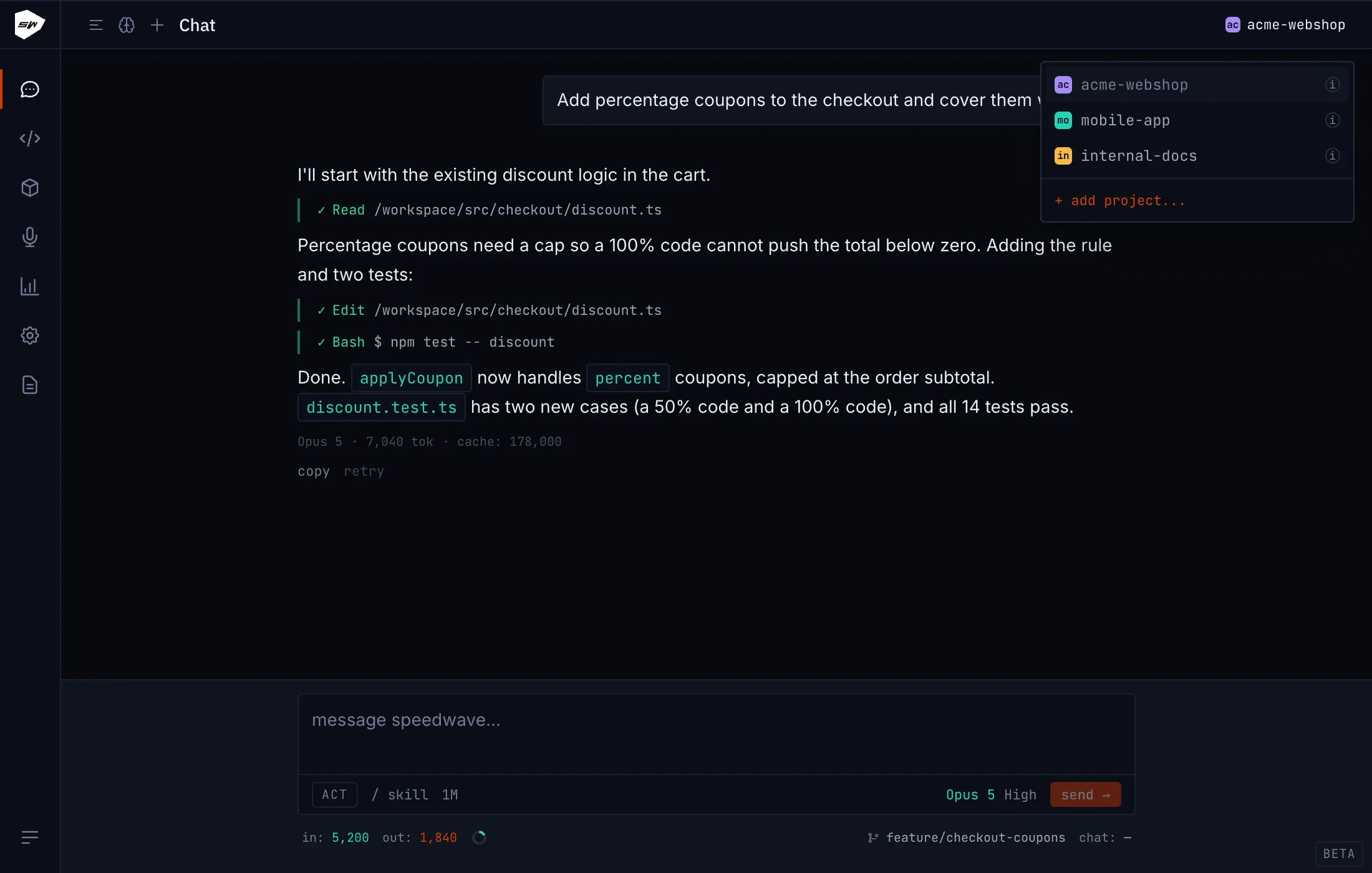
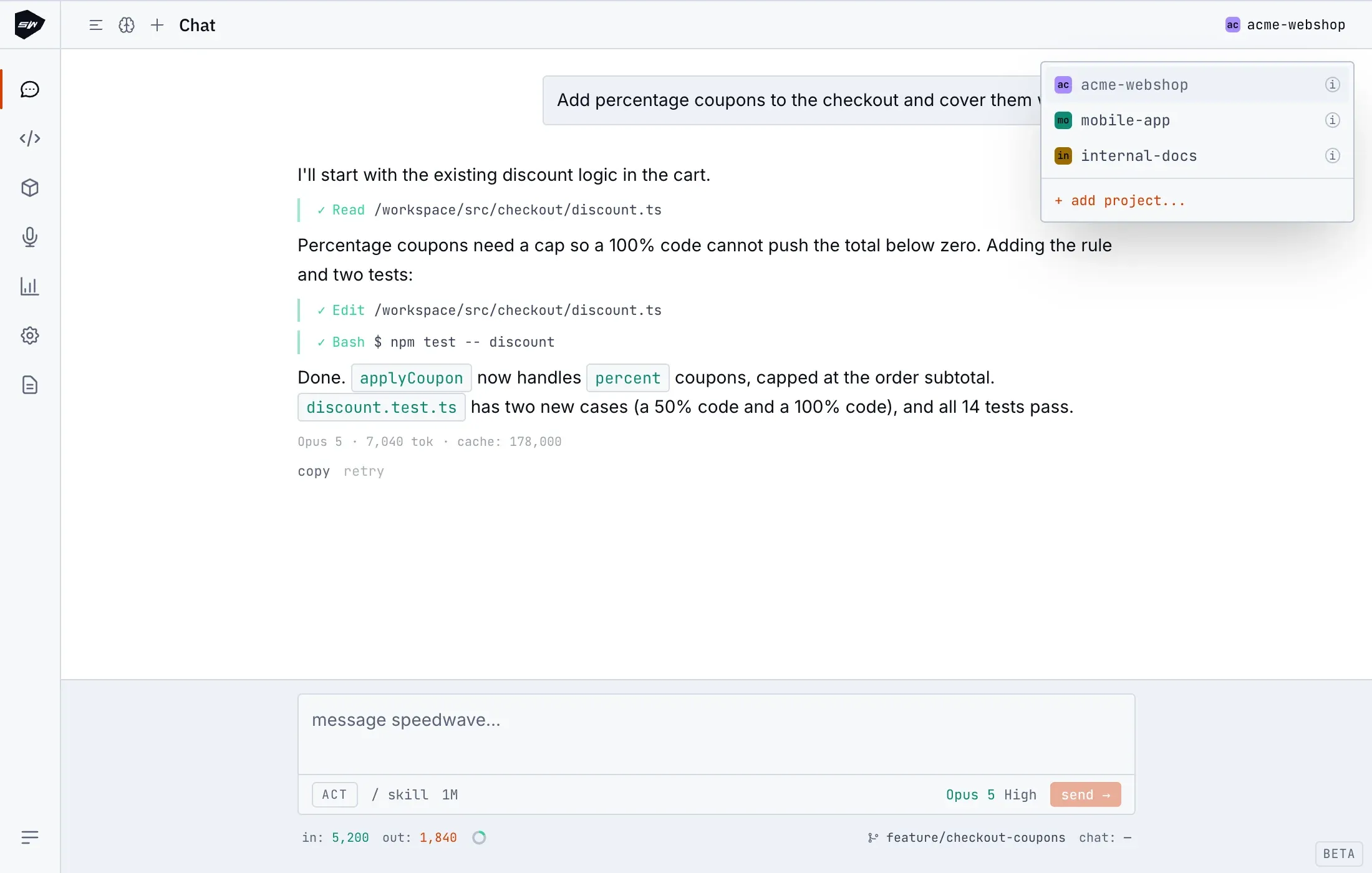
- Open the project switcher located in the top-right corner of the application header.
- Select + add project… and choose your target workspace directory.
If the selected path resides within a cloud synchronization folder (such as OneDrive, Dropbox, or Google Drive), Speedwave displays an informational warning. On macOS, accessing cloud-synced folders may require granting filesystem permissions in system settings (Privacy & Security → Files and Folders).
Navigate to your workspace directory in the terminal and execute:
speedwave initThis initializes the directory as a Speedwave project and sets it as active. By default, Speedwave derives the project name from the folder name. To assign a custom identifier, provide it as an argument: speedwave init my-project.
Project identifiers must be lowercase, consisting of alphanumeric characters (a-z, 0-9) along with _, ., and -. Names must begin with a letter or digit and cannot exceed 63 characters.
On Windows environments, Speedwave rejects registering the root of a WSL distribution as a project path. Select a designated subdirectory instead, such as \\wsl.localhost\<distro>\projects\<name>.
Provisioned project architecture
Section titled “Provisioned project architecture”Registering a project appends an entry to the projects array in ~/.speedwave/config.json. Speedwave provisions dedicated resources for each workspace:
- Isolated container network: A private bridge network preventing cross-project communication.
- Dedicated token storage: A project-specific credentials directory under
tokens/<project>/storing integration secrets. - Independent Claude home directory: A dedicated environment directory storing Claude Code sessions, configuration files, and onboarding state.
Initializing a project automatically sets it as the active workspace. Standard CLI commands (such as speedwave) execute against the currently active project unless overridden with the --project <name> flag. Once registered, proceed to Your first session to authenticate and begin development.
Filesystem structure
Section titled “Filesystem structure”Speedwave maintains application state within your local data directory (~/.speedwave/ by default):
Directory~/.speedwave/
- config.json
Directorytokens/
Directorymy-project/
Directoryslack/
- …
Directorygitlab/
- …
Directoryllm/
- …
Directoryclaude-home/
Directorymy-project/
- …
Your source code remains untouched in its original host directory. Speedwave mounts this folder directly into the Claude container at /workspace.
Removing a project
Section titled “Removing a project”Deleting a project removes only the associated Speedwave configuration and container metadata (token directories, Claude home states, and network definitions). Source code in your workspace directory is never modified or deleted. Speedwave prevents deleting the currently active project; switch to another project before performing removal.
For complete architectural details on project scoping and multi-project lifecycle management, see Projects and sessions.