

Figma
What it does
Section titled “What it does”The Figma plugin connects Claude to your Figma files, for design system work and for turning designs into code. It reads file structure, exports images, and reads, posts, or deletes comments. It also creates and edits variables, styles, components, and prototypes, which normally count against Figma’s REST write limits, but here run over a separate path with no such limit. Like every Speedwave plugin, it is written, developed, and shipped exclusively by Speednet.
What it consists of
Section titled “What it consists of”The plugin has two independent transports. The REST transport talks to the Figma REST API and handles read-only inspection, image export, and comments; it needs an optional Figma Personal Access Token. The bridge transport is a host bridge: a WebSocket connection from the worker to a companion Figma Desktop plugin called “Speedwave DS Bridge”, which you import into Figma once. All writes, creating variables, styles, components, and prototypes, go through the bridge and run against the Figma Plugin API inside your live editor.
How it works
Section titled “How it works”Reads and comments go through the REST tool: the worker calls the Figma REST API, using your Personal Access Token if one is set, and returns the result to Claude. Writes take a different path. Claude sends a command to the worker, which relays it as JSON-RPC over the WebSocket bridge, and the Desktop plugin running inside Figma carries it out against the Plugin API, never touching REST write quota. That path is why design-system writes are free and unlimited.
The manifest declares the bridge with a persistent token, a 16 MiB maximum frame size, and a preferred port of 60123. The worker authenticates with a header, the Desktop plugin with a query parameter. See how credentials are handled for how tokens and bridge connections are kept off the model’s own environment.
Skills and commands
Section titled “Skills and commands”The plugin ships nine skills that guide Claude through common design-system jobs:
| Skill | What it does |
|---|---|
figma-inspect-file | Reads file structure; the default entry point for anything read-only |
figma-audit-ds | Checks a design system’s health and flags literal values that should be variables or styles, plus unused tokens |
figma-build-design-system | Builds a full design system: variables, styles, components, variant sets, instances, vectors, images |
figma-compose-screen | Assembles a complete screen from an existing design system |
figma-to-code | Turns a design into front-end code, starting from tokens and components |
figma-ds-context | Writes a design system snapshot to your repo: a DESIGN.md file, DTCG token files, and a components.json |
figma-populate-data | Fills component instances with data from a table |
figma-prototype-flows | Wires up click-through prototype interactions between frames |
figma-assets-roundtrip | Moves image and vector assets between files |
It also adds six /figma commands:
| Command | What it does |
|---|---|
/figma:status | Shows whether the DS Bridge is connected and which file it targets |
/figma:tokens | Lists variables, styles, components, prototype links, and assets |
/figma:ds-pull | Refreshes the DS-context files in your repo |
/figma:design-md | Scrapes a live website into a DESIGN.md, no Figma file involved |
/figma:from-url | Scrapes a website and builds the matching design system in Figma |
/figma:clean | Destructive. Bulk-deletes variables, styles, or components; saves an automatic checkpoint first |
The REST transport exposes 17 tools, all prefixed figma_rest_. Reads and comments only; nothing here touches the bridge.
| Tool | What it does |
|---|---|
get_file, get_nodes | Fetch a whole file or specific nodes by ID |
get_file_versions | List a file’s saved version history |
get_comments, post_comment | Read or add file comments |
delete_comment | Destructive. Remove a file comment |
get_variables | Read local variables (Enterprise plans only over REST) |
get_team_projects, get_project_files | Discover a team’s projects and the files inside them |
get_team_components, get_team_component_sets, get_team_styles | List published library components, variant sets, and styles across a team |
get_file_components, get_file_component_sets, get_file_styles | List components, variant sets, and styles inside one file, without fetching the whole file |
get_image_fills | List the original image assets stored in a file |
export_images | Render nodes as PNG, JPG, SVG, or PDF and return temporary download links |
The bridge transport exposes 45 tools, all prefixed figma_plugin_, and needs the DS Bridge running. They read and write the live file directly through the Plugin API, so none of them count against REST quota.
| Tool | What it does |
|---|---|
status | Reports whether the bridge is connected and which file it targets |
read_state, read_node, query_nodes | Read the file’s pages, selection, variables, styles, or components, drill into one node, or search nodes by pattern |
export_snapshot, export_image, export_tokens | Save the full scene graph, a rendered image, or design tokens to disk |
read_prototype, get_css | Read prototype flows on a node, or the CSS Figma would generate for it |
audit, component_usage, check_contrast | Flag design-system smells, list unused components, or check color contrast |
check_fonts, load_fonts | Check which fonts are available, then preload them before a text-heavy build |
create_variables, update_variables | Create or edit variables and their values |
create_styles, update_styles | Create or edit paint, text, and effect styles |
create_components, create_component_sets, create_component_properties, edit_component_property | Build components, combine them into variant sets, and define their properties |
create_instances, swap_instance, detach_instance, reset_overrides | Place component instances and manage them afterward |
bind_styles, bind_variables, bind_paint_variables, set_variable_mode | Attach styles or variables to nodes, including per-paint bindings and theme mode overrides |
create_images, create_svg_nodes, create_vectors, vector_op | Insert bitmap images, SVG markup, or raw vector paths, and run boolean vector operations |
create_pages, create_sections, update_nodes, node_ops | Create pages and sections, and edit or restructure existing nodes |
import_library_assets | Pull a published library style, variable, or component into the local file |
write_prototype | Wire click-through interactions between frames |
set_node_metadata, annotate | Tag nodes with hidden metadata, or write Dev Mode handoff notes |
save_version | Save a named version checkpoint before a risky change |
delete_all | Destructive. Bulk-delete every local variable, style, and component |
delete_nodes | Destructive. Remove specific nodes |
status and check_contrast stay available even without the bridge connected, since one diagnoses that exact state and the other can run on plain color values.
Set it up
Section titled “Set it up”-
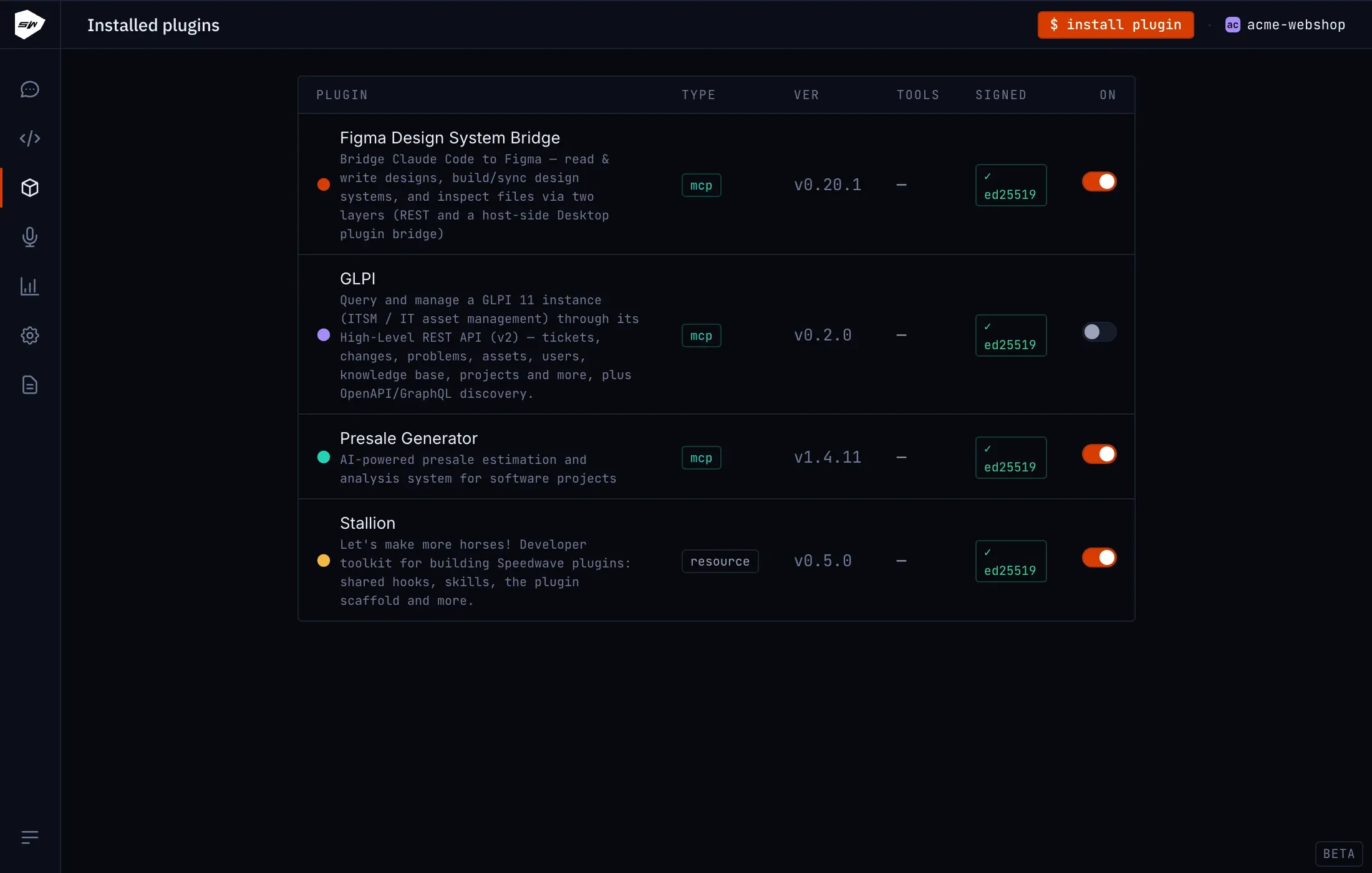
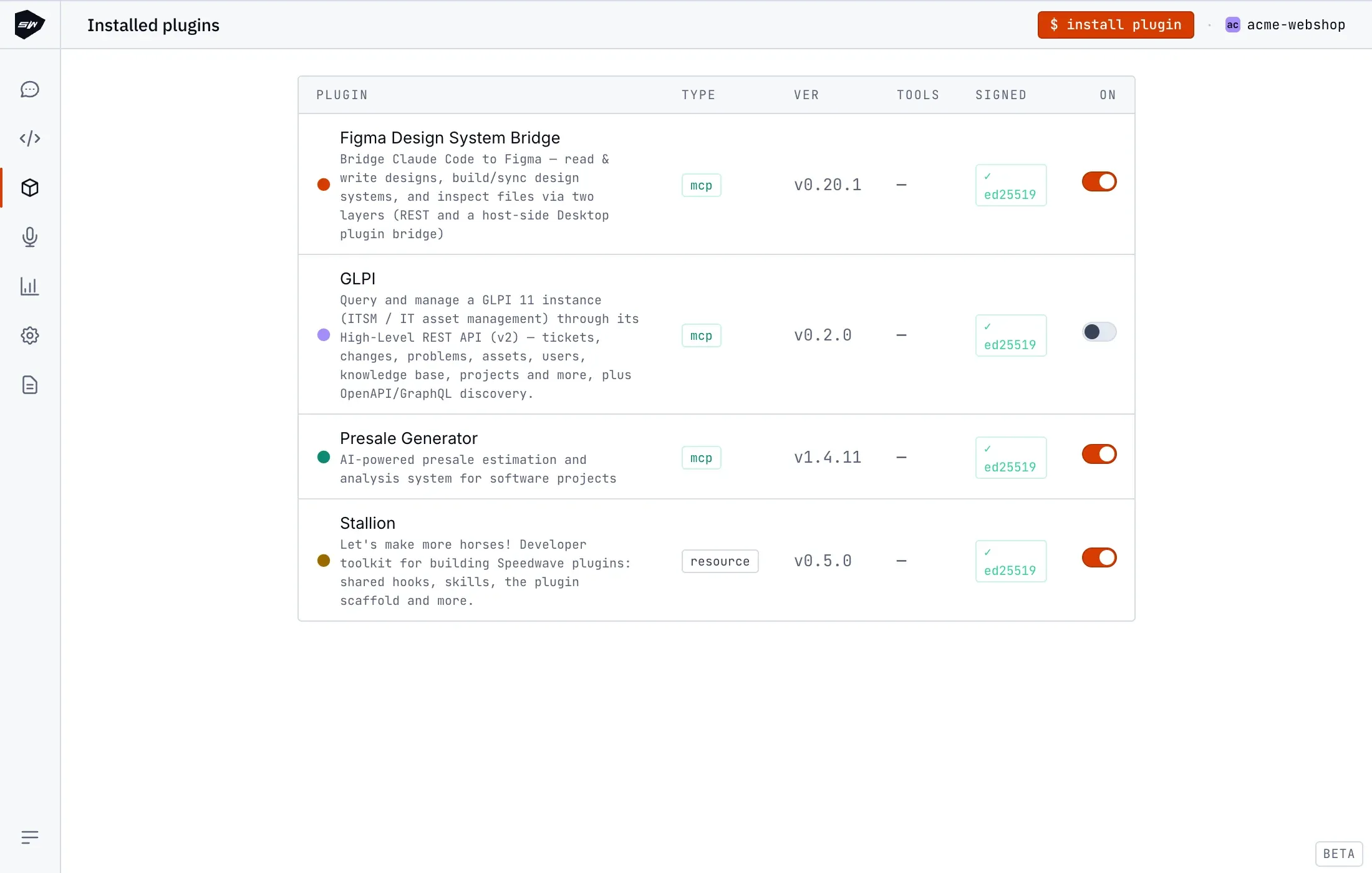
Install and enable the Figma plugin the usual way, described in using plugins.
-
In the Figma Desktop app, go to Menu → Plugins → Development → Import plugin from manifest… and select the manifest shipped with the installed plugin.
-
Run the imported “Speedwave DS Bridge” plugin in the file you want Claude to work in. Re-run it after switching to a different file, since it connects per file.
-
Optionally add a Figma Personal Access Token in the plugin’s credentials to unlock the REST tools. The bridge transport, including all writes, works without one.
Security boundaries
Section titled “Security boundaries”Without a Personal Access Token, the REST tools that need one are unavailable. The bridge transport still works, along with everything it can build or edit. It only relays commands to the Desktop plugin you explicitly launched in a specific file, so it has no reach into any file where you have not opened the bridge. Deleting nodes or bulk-clearing a file needs an explicit confirmation flag and skips any in-canvas undo prompt, which is why you should save a version first. Variables also cannot be read over REST on non-Enterprise Figma plans, leaving the bridge as the only path to them.