

September 24, 2026
Speedwave 0.19
Model and effort live in the chat
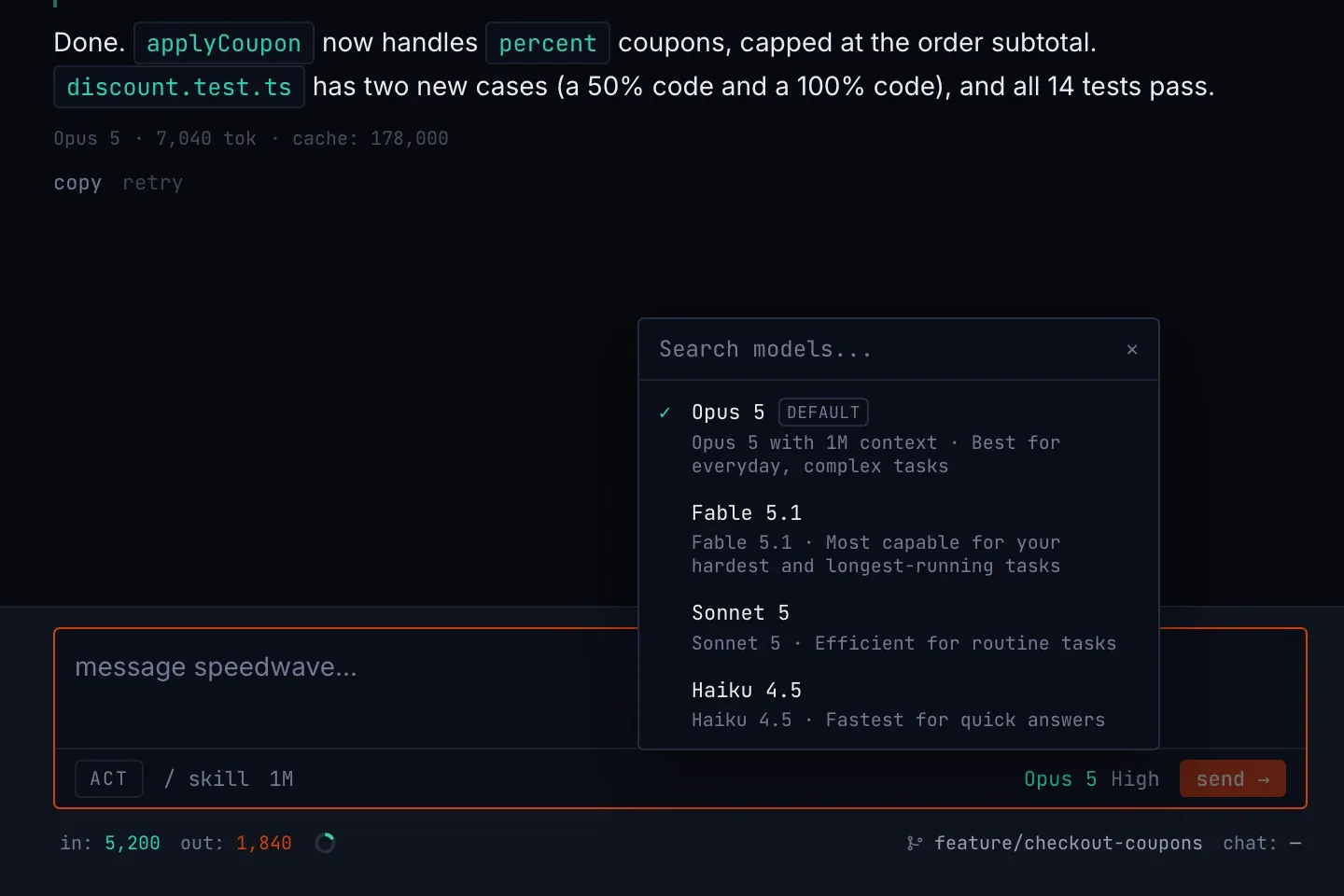
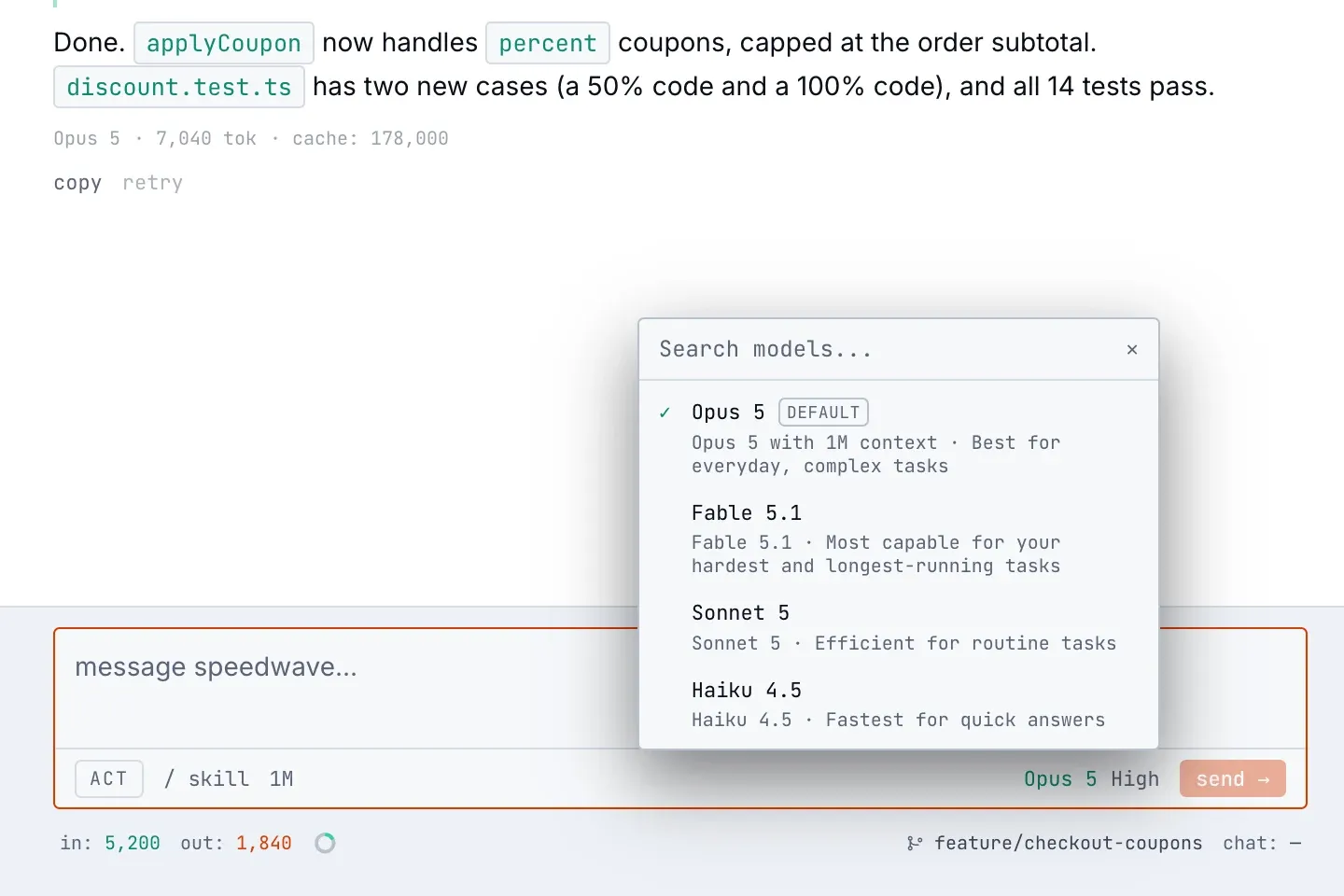
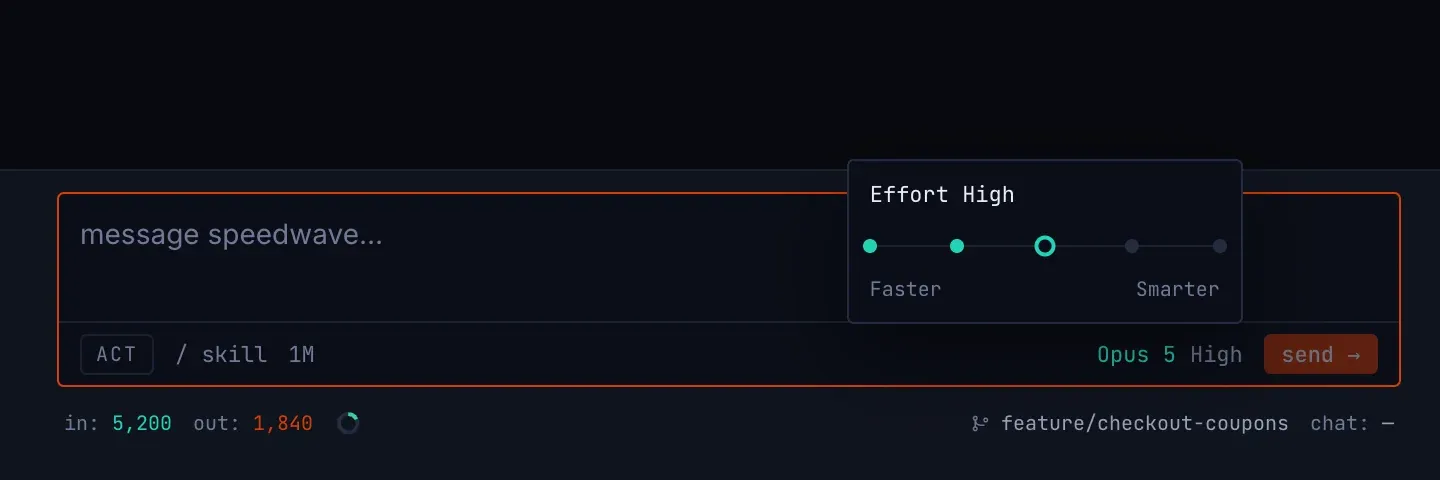
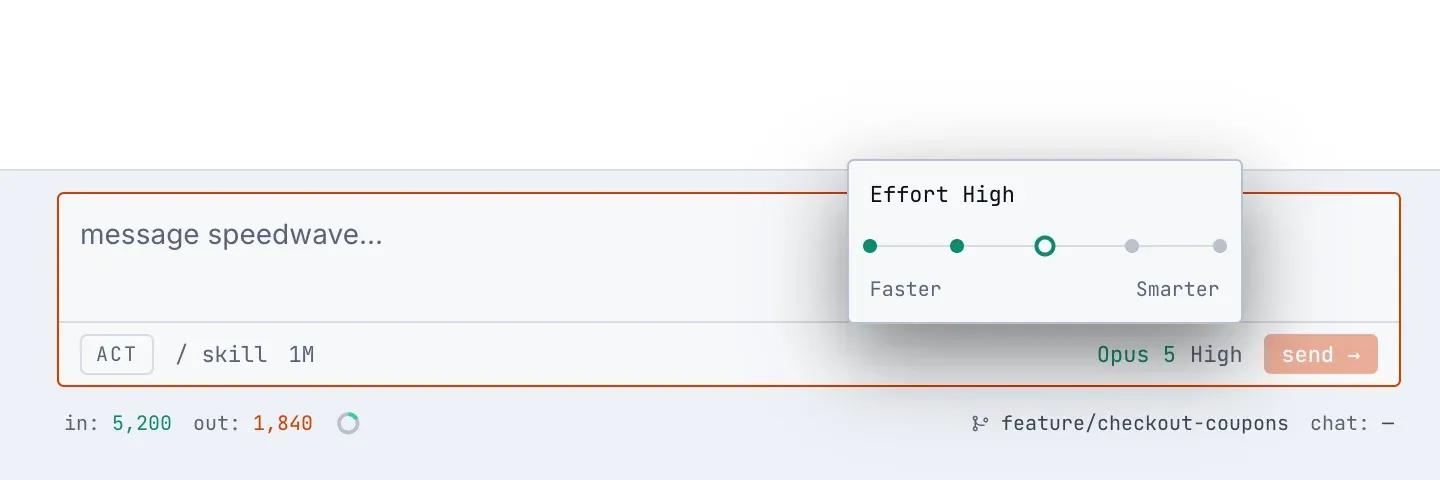
The model badge in the composer now opens a searchable list. For Anthropic it comes from the running Claude Code session, so it shows the models your account can use, marks the account default, and warns before a model that would spend usage credits. A pick switches the running conversation without a restart and is saved for the project. Next to the badge, the effort level opens a slider (low to max, depending on the model), and that choice is saved per project too.
Settings → LLM providers no longer has a model list. For a local server or OpenRouter, test connection replaces discover models, and Save waits until the test passes. See LLM providers.
Context and plan limits in one place
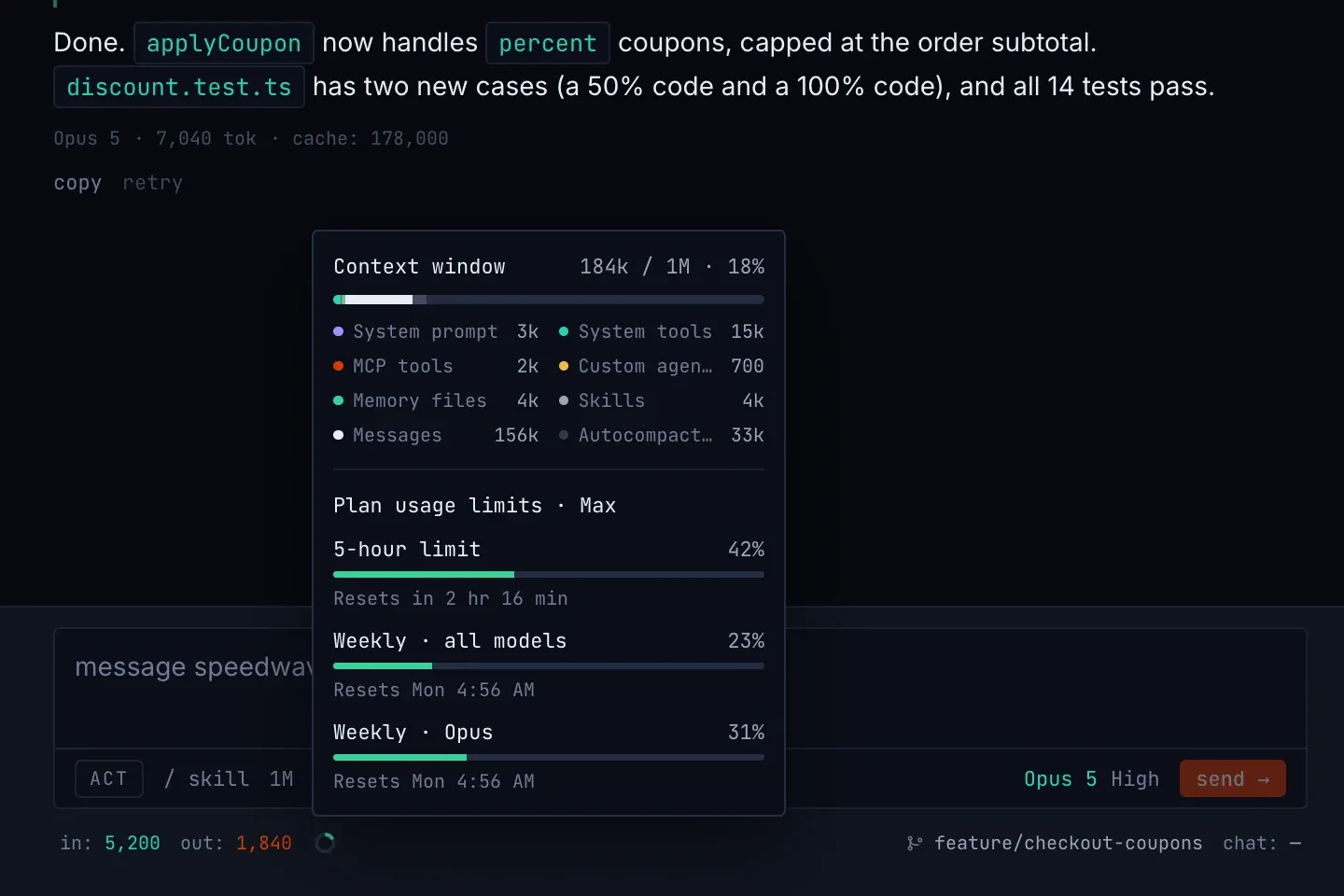
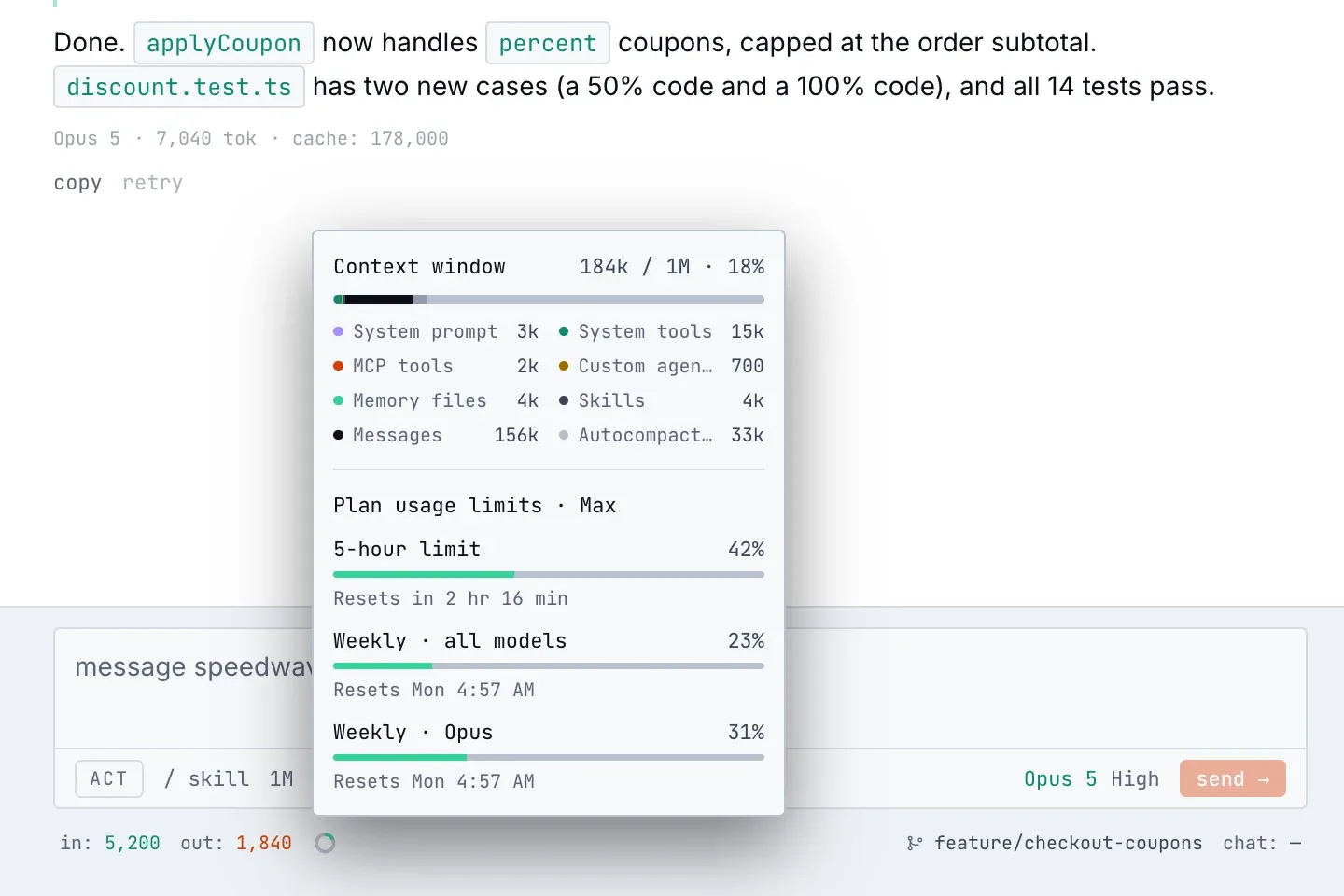
The ctx and limit bars below the composer became a ring. Click it to see how full the context window is and, with Anthropic, what fills it; on a subscription it also shows the 5-hour and weekly plan limits with reset times. See Usage and cost.
Slash menu and skills
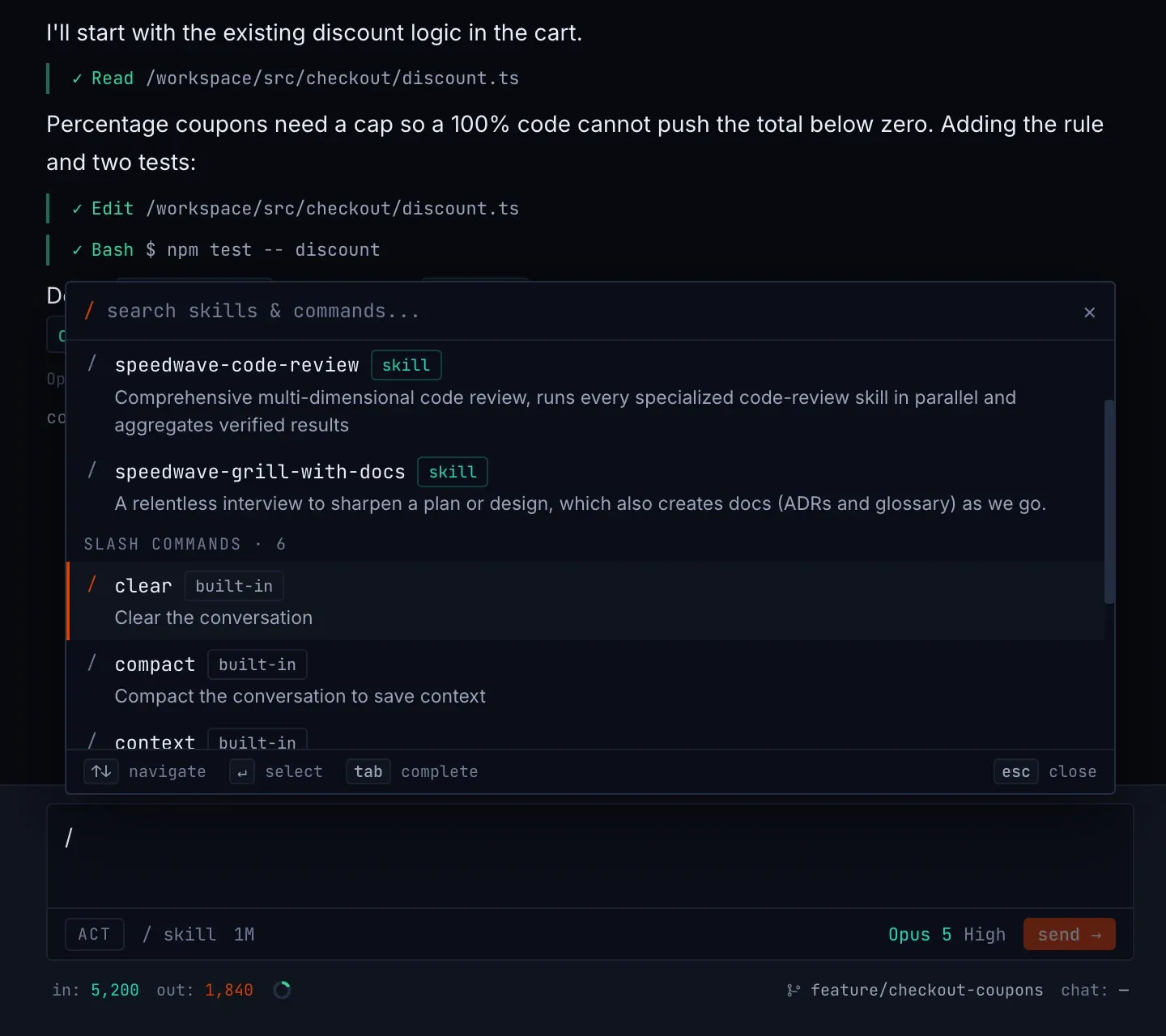
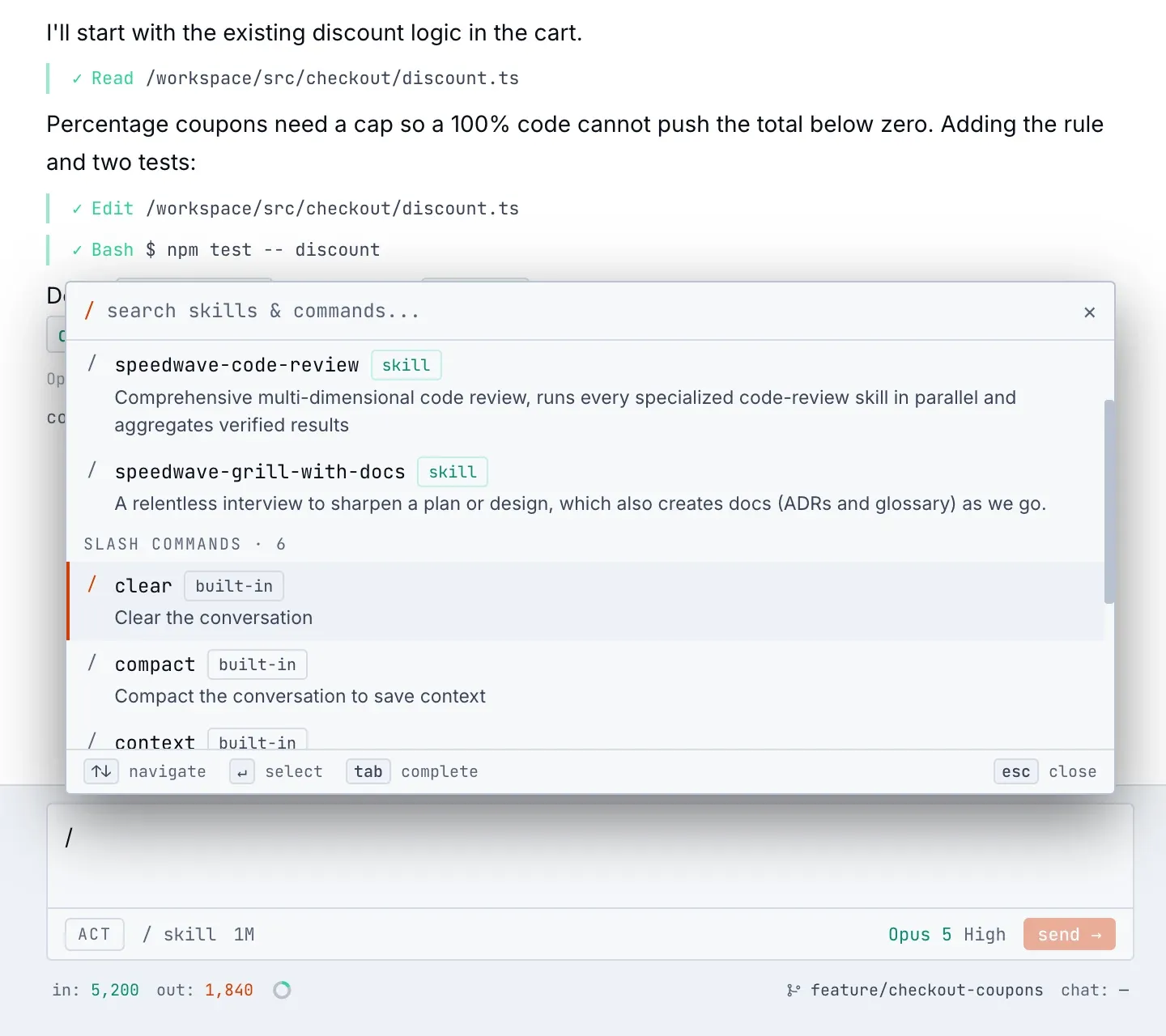
The / menu lists the Claude Code commands that work in the chat (/clear, /compact, /context, /usage, /model, /effort) plus your skills, plugin skills and agents. Twenty-three engineering skills with the speedwave- prefix now ship with every project: interviewing a plan, writing a spec and tickets, test-first implementation, bug diagnosis, triage. They replace the superpowers plugin, which Speedwave removes on upgrade. See Default development workflow.
Meeting transcription
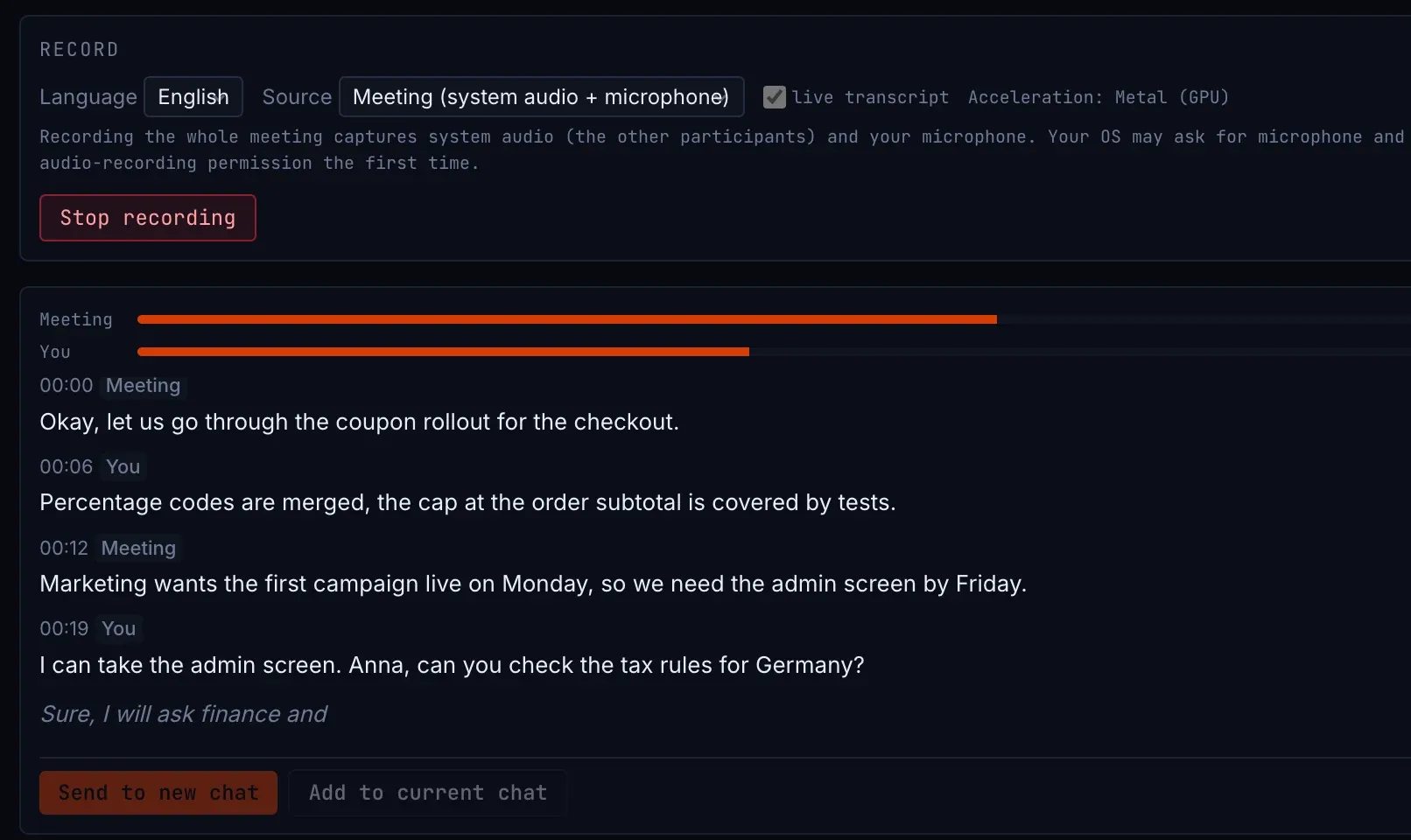
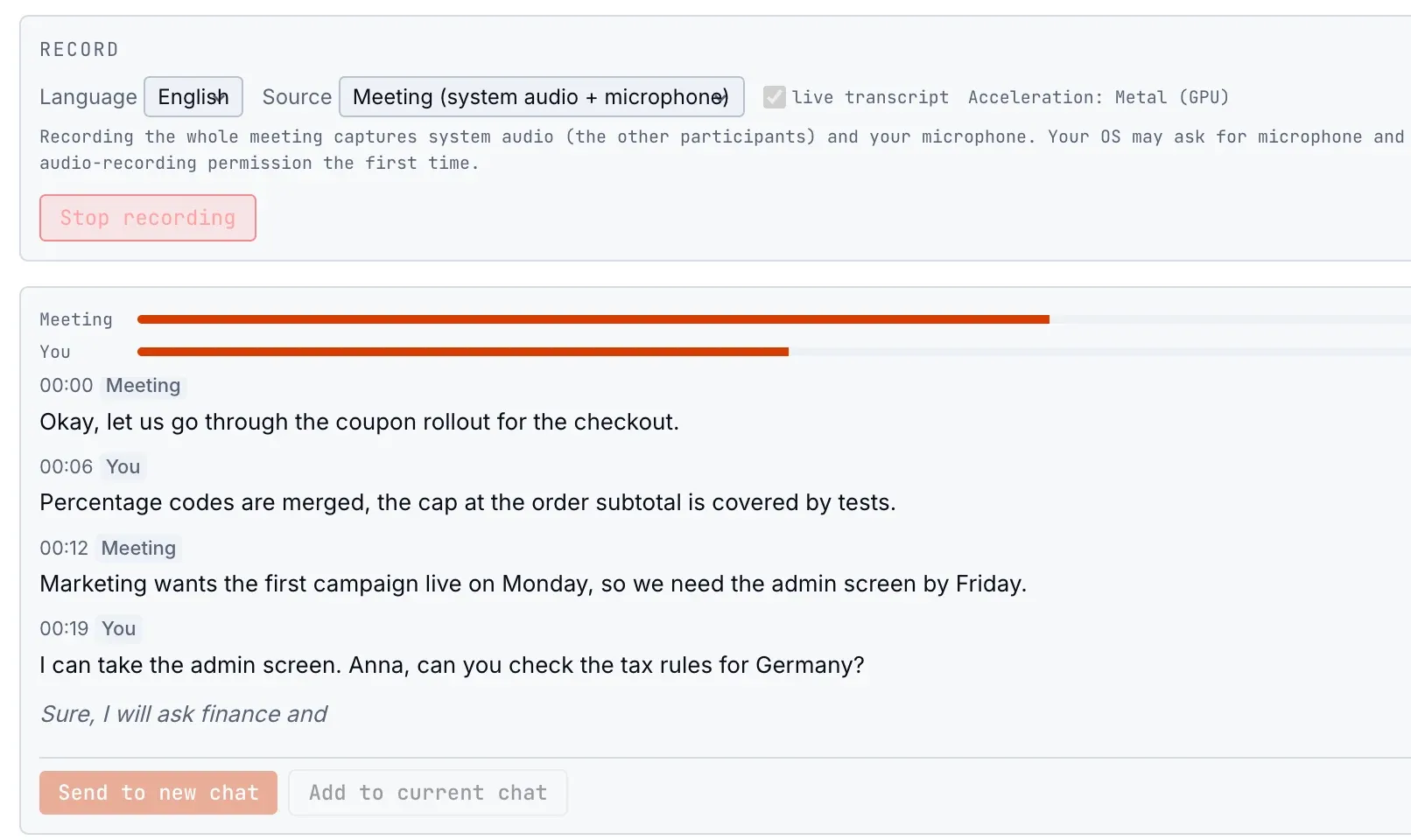
Windows gains GPU transcription through Vulkan. Each recording uses two models matched to your GPU, a fast one for the live preview and a larger one for the final transcript, and the live preview can be turned off to keep the CPU free. A level meter shows the input, the tray icon marks a running recording, and Send to new chat or Add to current chat puts the transcript in the composer with a prompt you can edit. See Meeting transcription.
Integrations and models
Reminders can be edited in place, Slack replies inside threads, Redmine supports target versions, and GitLab comments on issues and sets assignees. Fable 5.1 joins the Latest models and Fable 5 moves to Legacy; the cost meter prices Sonnet 5 at its own, lower rates; the 1M-token window now follows your plan. Claude Code is pinned at 2.1.267.
Signed Windows builds, reliability and security
Windows installers, the app and the CLI are now signed; see Binary authenticity. The container engine recovers on its own from a stuck container start and stale network rules, and an engine that does not answer is no longer reported as missing images. Windows updates clean up files the previous version left behind, and Speedwave explains why WSL2 cannot start even when wsl --status reports success. The sign-in status is Claude Code’s own answer, which also stops unexpected sign-outs. Security fixes cover CSS injection in PDF rendering (CVE-2026-49452) and SharePoint path validation, and the Redmine API key never reaches the model.
If you chose a default Anthropic model in Settings before upgrading, check the model badge in the composer after the update and pick it again.